How to choose a computer desk: dimensions, height, depth, and useful features
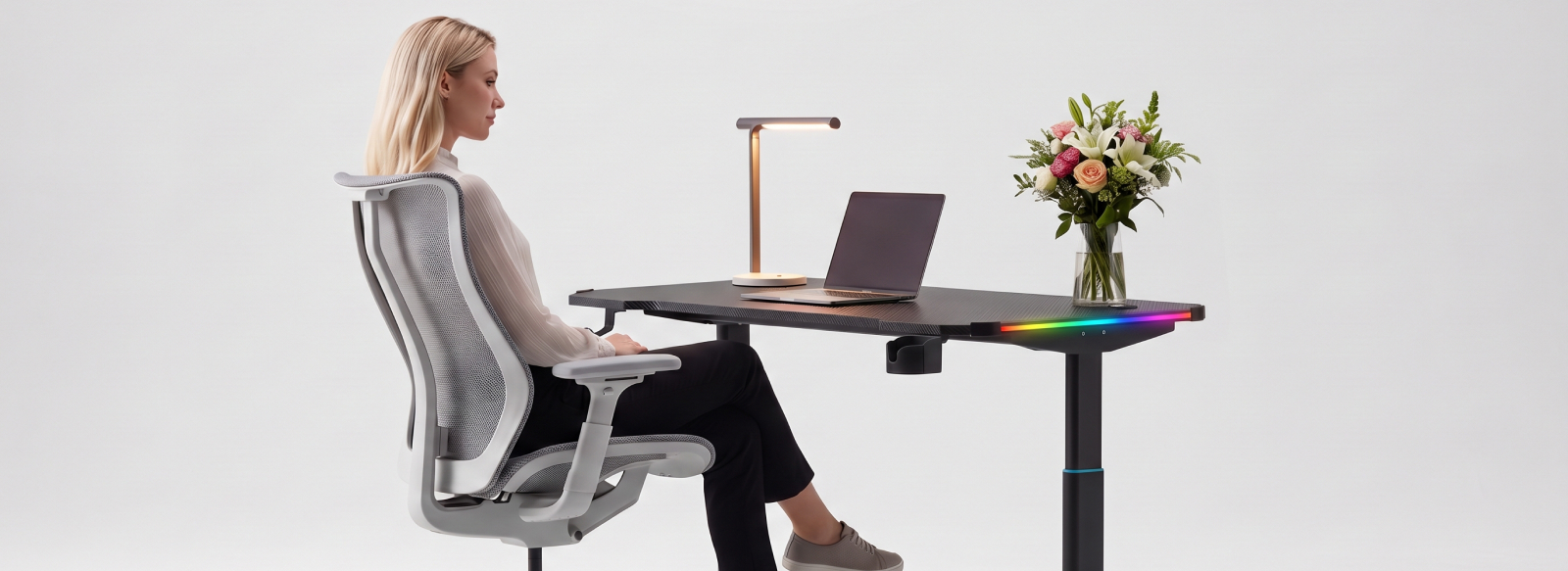
A computer desk is more than just a surface for your monitor and keyboard. If you spend several hours a day at your computer, the desk's dimensions and design directly affect your comfort while working, gaming, or studying. Even a well-equipped workstation can feel uncomfortable if the monitor is too close, there is not enough space for the keyboard, or the desk height is unsuitable for your height.
To create a workspace that keeps you comfortable every day instead of causing back and neck fatigue, it is worth taking a thoughtful approach to choosing a desk. Let's look at which specifications really matter, what to consider before buying, and which useful features can make your desk more comfortable to use.
Which specifications should you consider first when choosing a computer desk?
Before buying a desk, consider not only its appearance but also its main specifications:
- desktop width;
- desktop depth;
- desk height;
- height adjustment options;
- desktop shape;
- material;
- additional features and accessories.
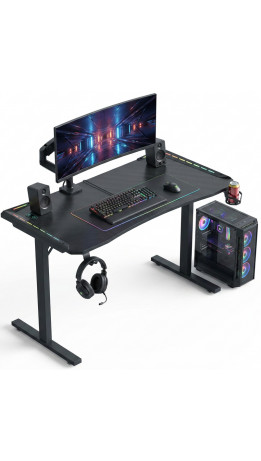
First, determine the width and depth you need. If your setup includes just one monitor, a keyboard, and a mouse, you may not need a particularly large work surface. However, two monitors, a laptop, speakers, and other peripherals require more space. Desktop depth also matters because it affects your viewing distance and gives you enough room to position your keyboard, mouse, and other devices comfortably.
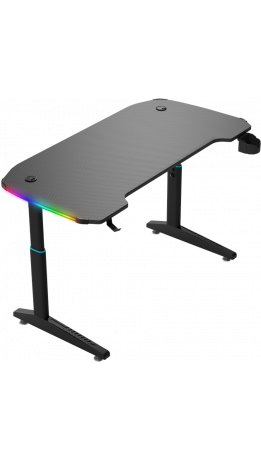
Desk height is equally important. Your arms should rest comfortably while working, and your shoulders should not remain raised. If people of different heights share the desk or you want to change your working position throughout the day, height adjustment can be a particularly useful feature. Some models include a control panel mounted on the desktop, allowing you to adjust the height quickly and easily.
How to choose the right desktop shape
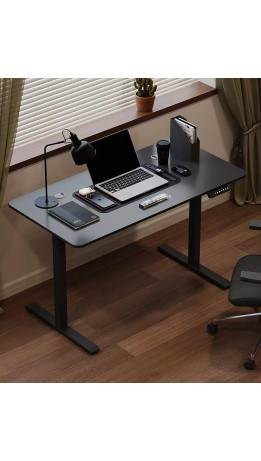
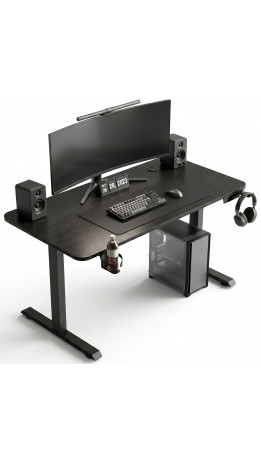
The shape of a desk depends primarily on the available space and the amount of equipment you use. A rectangular desktop is a versatile option that fits easily against a wall and works well for different tasks.
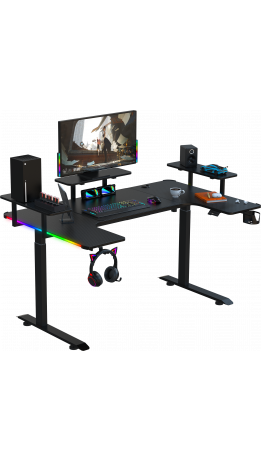
For a more spacious workstation or a full gaming setup, L-shaped desks are an excellent choice. Some models have two sides of equal length, while others combine a standard desktop with a shorter side section. This design provides plenty of room for multiple monitors and allows you to create a comfortable gaming space with an ergonomic gaming chair that fits neatly into the corner and provides back support during long gaming sessions.
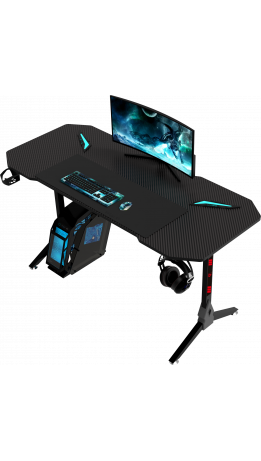
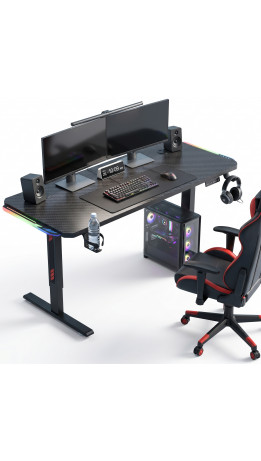
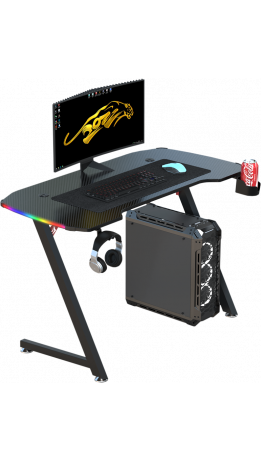
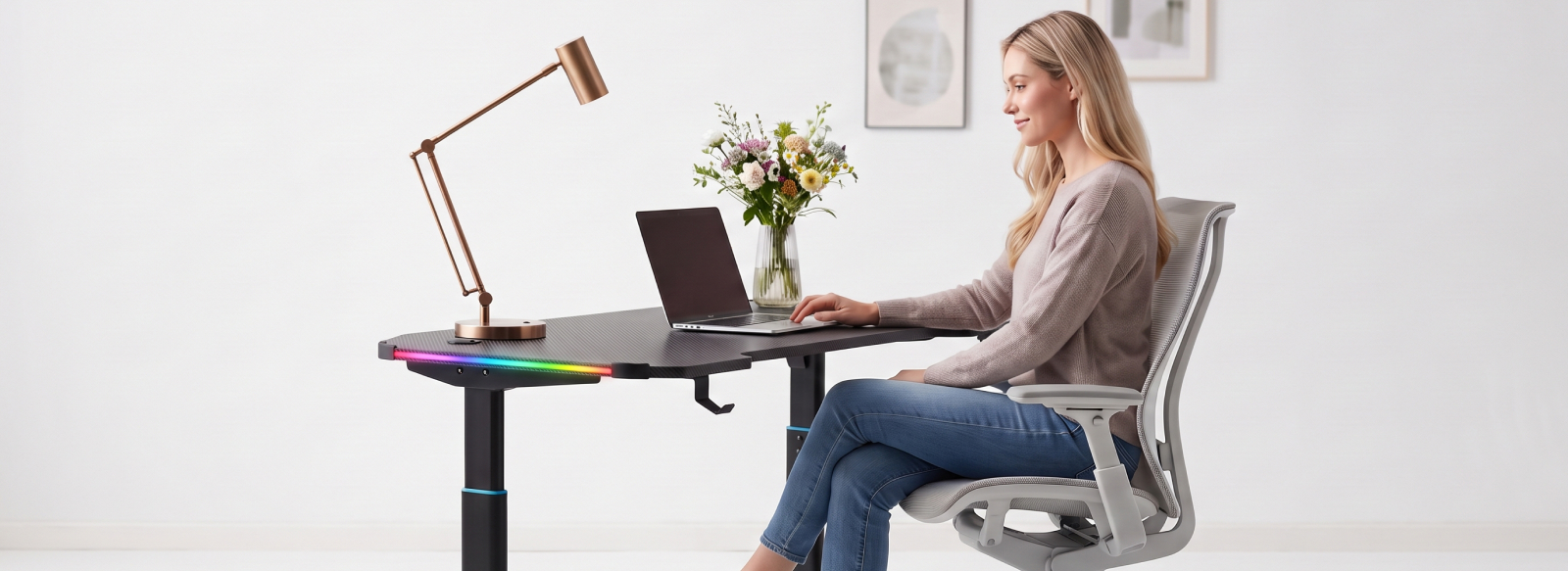
There are also more unconventional designs, including desks with curved front edges and extra space on the sides. These models provide more room for your arms and can be useful if you have a lot of gaming peripherals. When choosing a desk, consider not only its appearance but also how well its shape suits your needs and daily routine.
Materials: durability, strength, and easy maintenance
When choosing a computer desk, consider more than just its appearance. The material affects the desk's structural strength, resistance to everyday use, lifespan, and ease of maintenance.
A combination of a metal frame and a desktop made from particleboard or MDF is often a practical choice. Metal provides structural rigidity and stability, while laminated surfaces are suitable for everyday use and do not require complicated maintenance. Regularly removing dust and dirt is generally enough to keep these surfaces clean.
Appearance matters, too. Modern particleboard and MDF desktops are available in a variety of colors and finishes, making it easy to match a desk to your room's interior or gaming setup. The materials you choose therefore influence not only how long your desk lasts but also how it looks and how practical it is for everyday use.
Which features make a computer desk more convenient to use?
Additional features are not essential for every computer desk, but some can make everyday use noticeably more convenient. Choose them according to your habits and workspace requirements:
- Height adjustment with a control panel allows you to change the desktop height in seconds. This is useful if several people share the desk or you prefer to change your working position throughout the day.
- Additional shelves provide convenient storage for everyday items, keeping papers, accessories, and other small objects off the main work surface.
- A cup holder provides a designated place for a mug or bottle, helping reduce the risk of accidentally spilling a drink on your keyboard or mouse.
- A headphone hook keeps your headset off the desktop while storing it within easy reach and out of the way.
- Cable holes and cable management channels help organize monitor cables and charging wires, keeping them neatly arranged instead of cluttering your workspace.
- RGB lighting is primarily a decorative feature that complements a gaming setup and creates an atmospheric look, especially in the evening.
Not all these features are equally useful for everyone. For example, cable management and height adjustment can benefit almost any user, while cup holders and RGB lighting come down to personal preference. The goal is not to find a desk with the maximum number of features but to choose one that meets your everyday needs.
Why you should choose a computer desk together with your chair
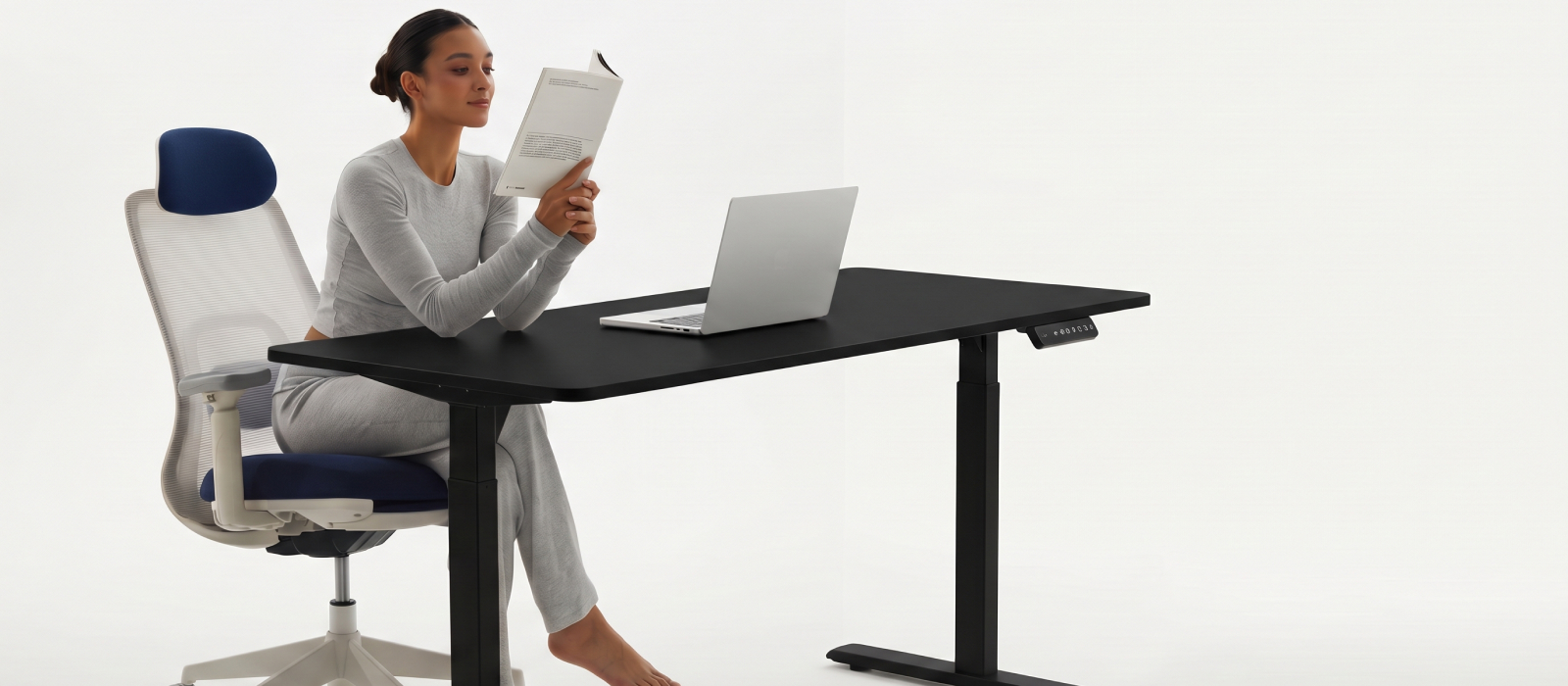
A computer desk should not be considered separately from your office chair. Even if the desk height seems comfortable on its own, your sitting position may become uncomfortable once you add a chair. The relationship between seat height and desktop height determines how your arms are positioned while working. Your elbows should not hang too low or sit excessively high relative to the keyboard.
Before buying a desk, consider not only your height but also the adjustment options available on your chair. If the seat can be raised or lowered, the desk should allow you to find a position where your feet rest comfortably on the floor and your arms can rest naturally on the work surface. This is how a computer desk and office chair complement each other instead of creating discomfort because of a height mismatch.
How to make the right choice
When choosing a computer desk, start with how you intend to use it rather than its design. If you determine the required dimensions in advance, plan your equipment layout, and consider the desktop shape, materials, and height, it will be much easier to find a suitable model.
It is also worth evaluating additional features in terms of practicality. Some users need regular height adjustment and effective cable management, while others prioritize convenient shelves, a headphone hook, or atmospheric RGB lighting. This approach helps you avoid paying for unnecessary extras and find a desk that provides lasting comfort every day.
If you have questions while choosing a desk or need help finding a model that matches your specific requirements, the GT Racer consultants will be happy to recommend a suitable solution.