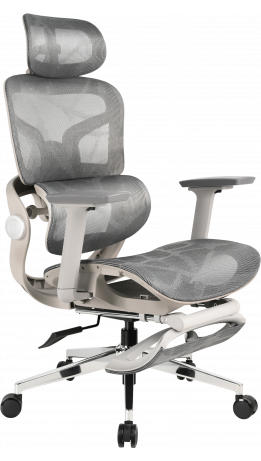
How to sit correctly at a computer: 7 rules for an ergonomic chair and desk setup
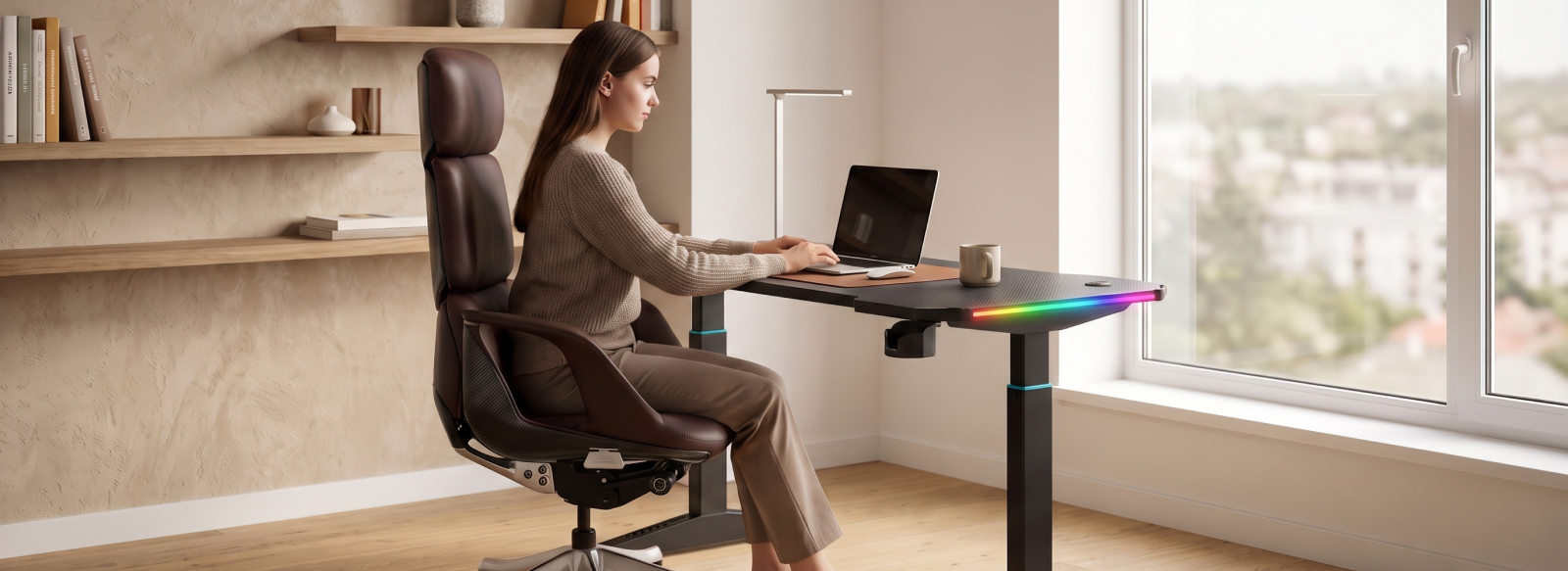
Spending long hours working or gaming at a computer often leads to fatigue, neck tension, and discomfort in the back or legs. The problem is not always that we “sit incorrectly.” Even the right posture can quickly become uncomfortable if the chair and desk do not complement each other. An ergonomic workspace is a system in which the chair, desk, monitor, and peripheral devices work together. Its purpose is to adapt the space to the person, rather than forcing the person to constantly adapt to the furniture.
Rule #1: chair height and leg position
Proper sitting starts with the position of your legs. Your feet should rest flat on the floor, and your knees should be bent at approximately a 90-degree angle. It is also important that the front edge of the seat does not press against the area behind your knees. That is why you should adjust the chair height based on your own height and body position, rather than aiming for a specific measurement.
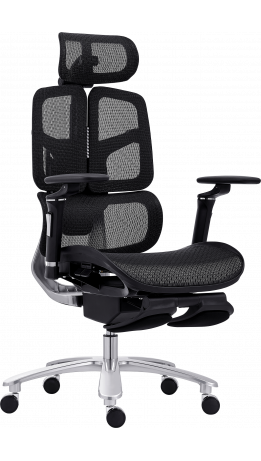
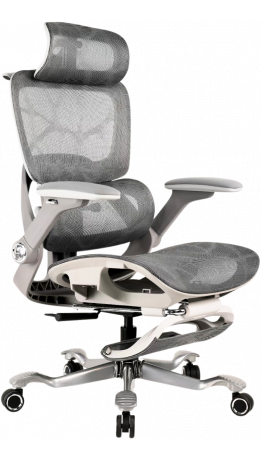
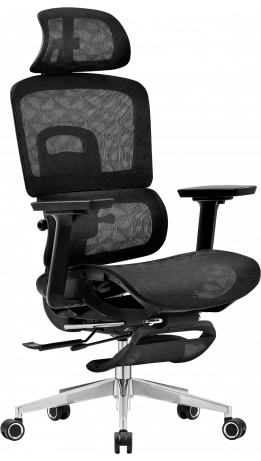
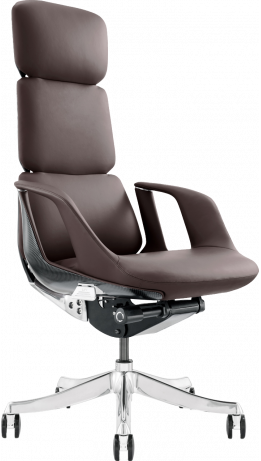
In this respect, office chairs have an important advantage: adjustable seat height makes it possible to tailor the workspace more precisely to each person. This is made possible by the gas lift, a mechanism that allows you to raise or lower the seat and find a comfortable position relative to the desktop. As a result, your legs receive adequate support, and you can position your arms on the desk without raising your shoulders or slouching.
How to check your chair height:
- your feet rest flat on the floor;
- your knees are bent at approximately 90°;
- the front edge of the seat does not press against the area behind your knees.
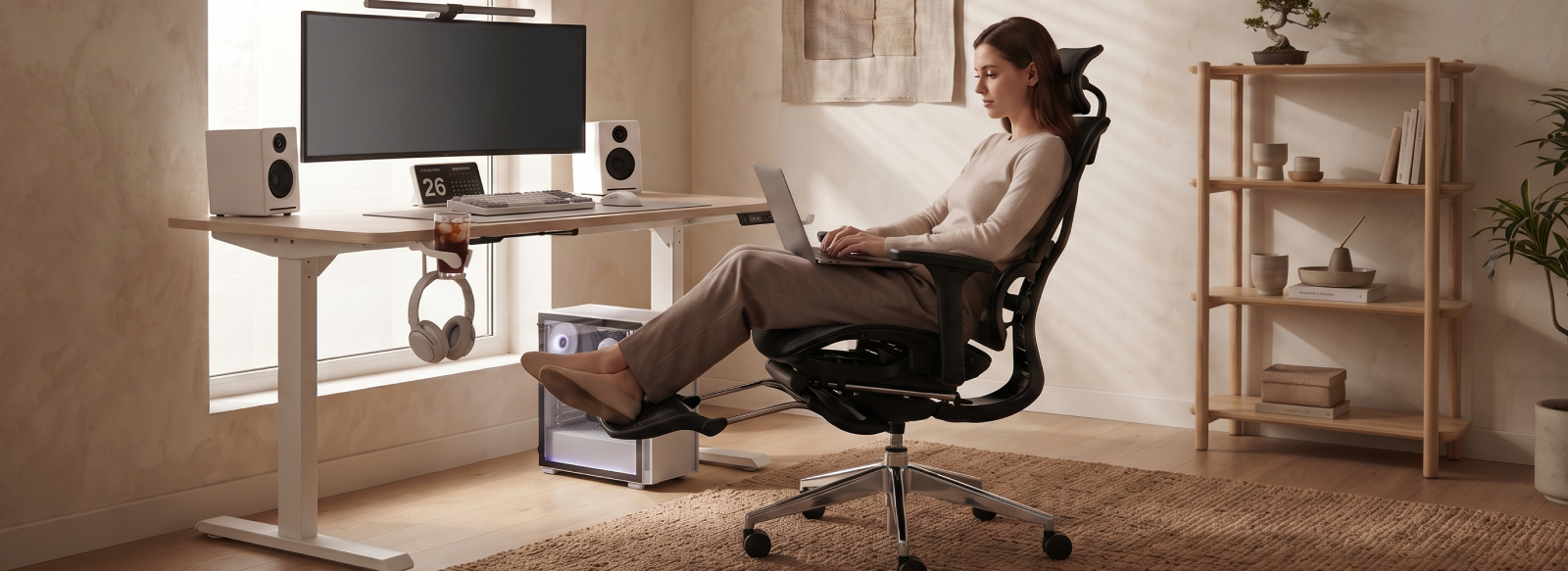
If your feet do not reach the floor after adjusting the chair, consider using a footrest. Some chair models also feature a built-in footrest. It is useful not so much for your main working posture as for short periods of relaxation and changing the position of your legs. This way, the chair and desk work as one system: the seat height determines your body position, while the desktop should remain at a comfortable level for your arms.
Rule #2: back and lumbar support
The chair backrest should support your back rather than force you to keep your muscles constantly tense. A more upright position is preferable for work, while leaning back is more comfortable when watching content or relaxing. Depending on the design, GT Racer models may offer backrest recline ranging from 90° to 180°.
The following features are also important for comfortable seating:
- lumbar and neck pillows or built-in back support;
- polyurethane foam or Memory Foam padding;
- rocking mechanisms such as Tilt, Multiblock, Synchro, or Anyfix.
These features allow you to change your body position and, depending on the mechanism, lock the backrest in the desired position. Additional options may include a massage function in the lumbar pillow and heating. They can enhance comfort but do not replace the correct adjustment of your gaming chair and desk setup.
Rule #3: arm and elbow position
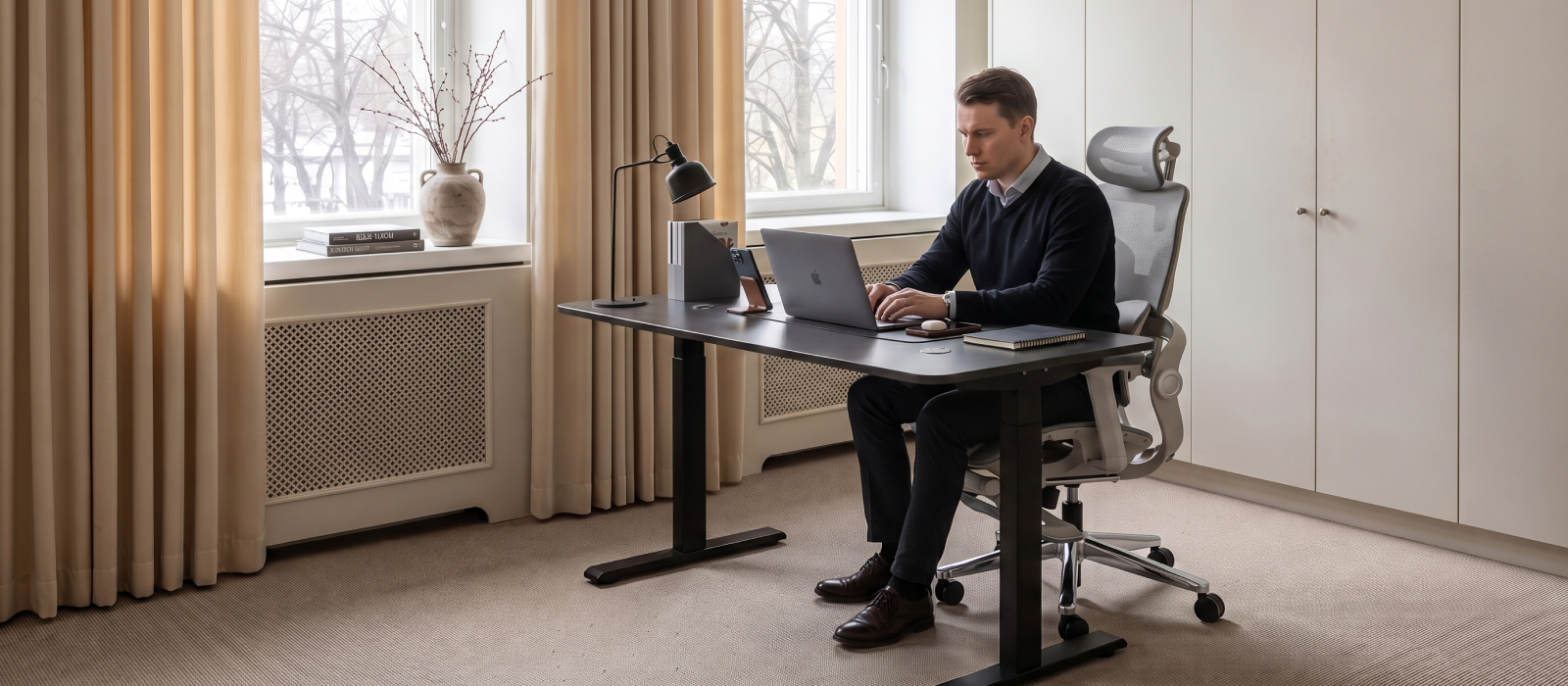
After adjusting the chair height, it is important to position your arms correctly. Your shoulders should remain relaxed, your elbows should stay close to your body, and your keyboard and mouse should be within easy reach. A desktop that is too high or too low forces you to raise your shoulders or lean forward.
Armrests are important here. Depending on the model, they may offer 1D to 6D adjustment, allowing you to tailor them to your height and arm position. The height of the armrests should be compatible with the desktop so that your arms remain in a comfortable position.
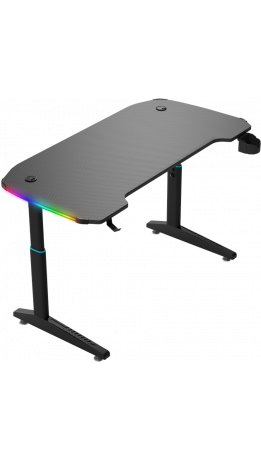
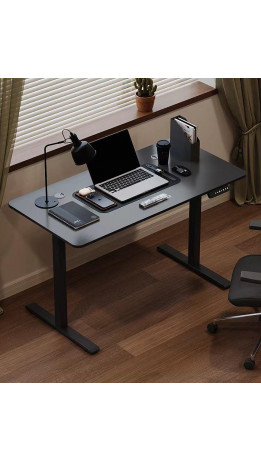
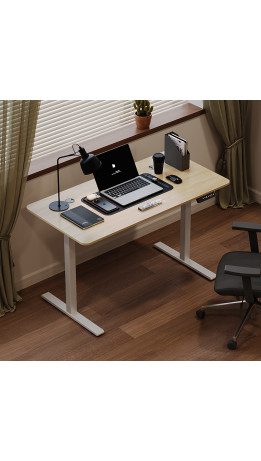
A computer desk with an electric height adjustment mechanism can also help you find the optimal working surface height. You can adjust the desktop to suit your chair position and work both sitting and standing.
Rule #4: desktop height and depth
The height and depth of the desktop should suit your height and chair settings. If the computer desk is too low, you have to lean forward, while a desk that is too high forces you to raise your shoulders. Insufficient depth leaves too little room to position the monitor and peripherals comfortably, while an excessively deep desktop may force you to keep reaching for them. That is why an ergonomic computer desk should be chosen together with your chair.
Models with a wide range of features can suit different needs. An adjustable work surface makes it easy to adapt the height to your sitting position and change it throughout the day. Convertible desks are another option, helping you organize your space according to your work or leisure activities.
Rule #5: eye level and monitor position
Position your monitor so that the top of the screen is approximately at eye level or slightly below it. The distance should allow you to read text comfortably without constantly tilting your head forward. If the screen is too low or too close, your neck and eyes will tire more quickly.
Correct monitor positioning starts not with raising the screen, but with adjusting the entire workspace. The chair and desktop heights should allow your head and back to remain in a natural position. Therefore, do not try to compensate for an uncomfortable sitting position by simply raising the monitor. First, adjust the chair and desk together, then optimize the screen position.
Rule #6: movement and changing positions
Even a perfectly chosen ergonomic GT Racer chair does not eliminate the need for physical activity throughout the day. Staying in one position for several hours at a time tires your muscles and places unnecessary strain on your spine. That is why it is important to stand up regularly, change positions, and take short breaks. Simple exercises for the neck, shoulders, back, and wrists can help relieve tension and improve your overall well-being.
The main rule for the working day is to keep moving. Try to spend a few minutes stretching every hour or simply walk around the room. The best approach is to combine proper body support while sitting with regular movement, because no workspace can replace adequate physical activity.
Rule #7: peripheral device organization
Workspace comfort depends not only on the chair and desk but also on how thoughtfully your peripherals are arranged. Cable management helps keep wires out of the way and free up the desktop, while additional tiers can be used to position monitors, speakers, or other devices. This helps you use the available space more efficiently and avoid cluttering the main work surface.
Other useful additions may include:
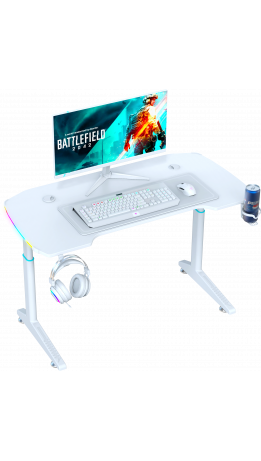
- a headphone holder to keep your headset off the desktop;
- a cup holder that frees up additional space;
- extra shelves or tiers for your monitor and peripherals;
- RGB desk lighting to personalize your setup.
Furniture materials are also worth considering. A nylon base can make a chair lighter, while a metal frame or aluminum five-star base can provide strength and resistance to heavy loads. Upholstery made of leather, eco-leather, durable fabric, or mesh also affects the feel, ventilation, and durability of the chair. All these details help create a workspace that is comfortable to use every day.
Create a comfortable space with GT Racer furniture
An ergonomic workspace starts with the right combination of desk and chair. When both can be adjusted to suit your needs and your peripherals and accessories are thoughtfully organized, working or gaming at a computer becomes more comfortable, even for extended periods.
Choose furniture based not only on its design but also on its adjustment options, dimensions, and functionality. With GT Racer, you can create a work or gaming space where the desk and chair complement each other and meet your everyday needs.