What to Check When Testing a Gaming or Office Chair
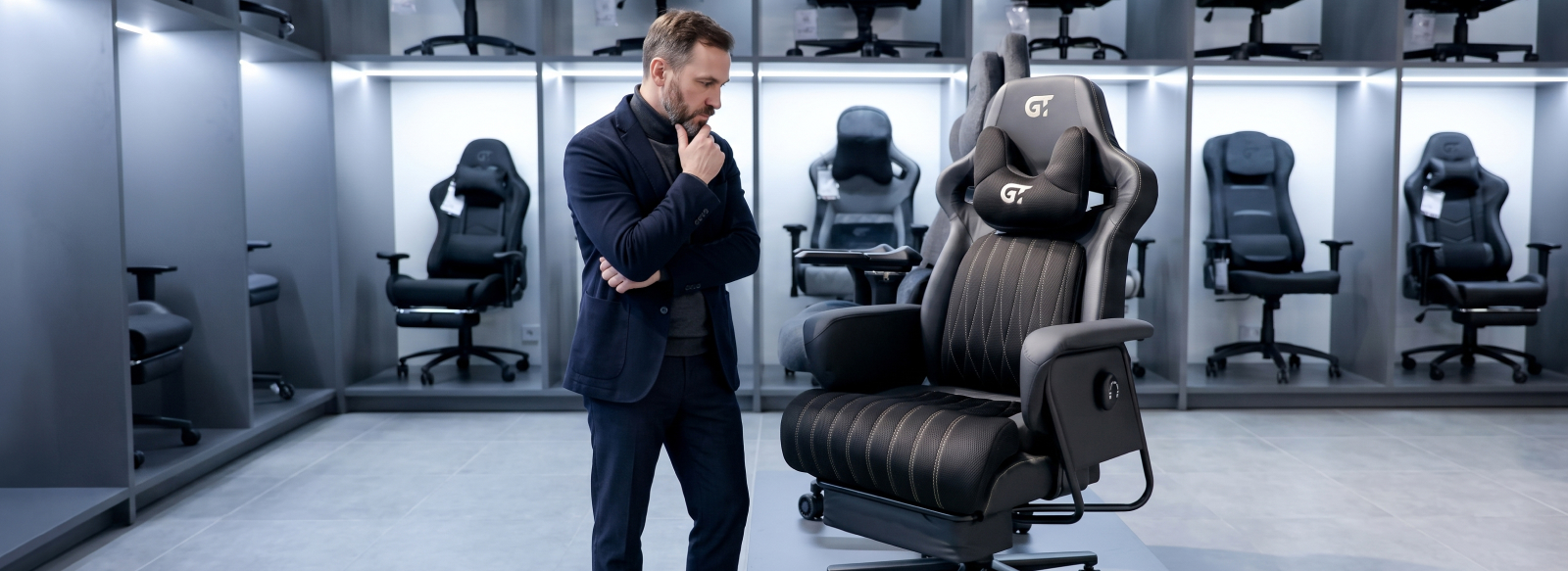
Visiting a showroom turns choosing furniture from simply looking at pictures into a real hands-on test. It is one of the best ways to evaluate a computer chair in real conditions: test its adjustment mechanisms, feel the upholstery materials, and understand how the chair feels during extended sitting.
However, a first impression can be misleading. A short test does not always guarantee that a chair will remain comfortable throughout a full working day. To make the right purchase, it is worth carefully checking several important characteristics before choosing your gaming chair or office chair.
Why Are 60 Seconds Not Enough to Choose a Computer Chair?
During the first test, it is easy to judge a chair by its appearance or the initial feeling of softness. However, this first impression can be misleading. A chair that feels very soft may cause discomfort after prolonged sitting, while an attractive design may not provide the right level of ergonomic support for working long hours.
Real ergonomic comfort depends on a combination of different characteristics, so every model should be tested systematically and without rushing.
Here are the key things to pay attention to when testing a computer chair:
- seating position;
- back support;
- adjustment options;
- upholstery materials.
Each of these factors requires a separate evaluation. Only their combination will give you a complete understanding of whether the chair is suitable for everyday work, gaming, or studying.
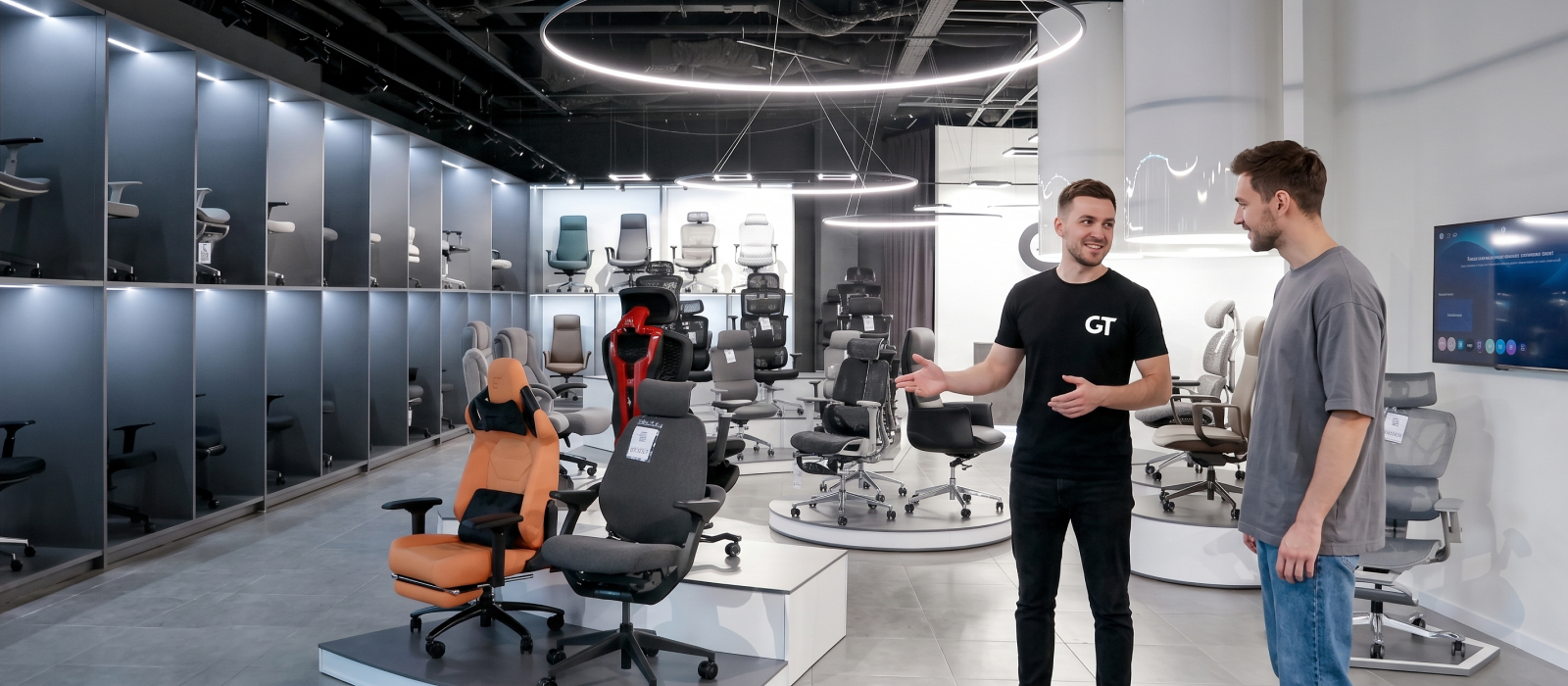
What Should You Check When Testing an Office Chair?
To make your evaluation as objective as possible, break your experience down into specific elements and test each part of the chair separately. Ergonomics comes down to many details — from how the backrest supports your lower back to the position of the armrests when typing.
Let's take a closer look at the features that determine how comfortable your office chair or gaming chair will be during everyday use.
Seating Position
Sit in the chair the way you normally work or play and stay in that position for several minutes. Your feet should rest fully on the floor, while your thighs should be approximately parallel to it.
Adjust the seat height to match your body proportions and make sure you do not feel unnecessary pressure in your thighs or lower back.
If you already feel discomfort during the first few minutes of testing, it is unlikely to disappear during several hours of daily use.
Backrest
A good computer chair for work should have a backrest that supports the natural curves of your spine. Pay attention to whether the lumbar area receives noticeable but comfortable support.
Your shoulders should remain relaxed rather than being pushed forward or forced into an unnatural position.
Test whether the backrest allows you to maintain a natural sitting position without constantly searching for a more comfortable posture.
Seat
Evaluate both the seat depth and width. There should be enough space for comfortable sitting, while the front edge of the seat should not press against the back of your knees.
The firmness of the seat is also important. An overly soft cushion can create a sinking feeling, while an excessively firm seat may become uncomfortable during long periods of use.
GT Racer models use different types of cushioning depending on the model, including resilient polyurethane foam and Memory Foam. The right choice depends on your personal preferences and the way you plan to use the chair.
Make sure the seat provides enough space for you to change your sitting position naturally throughout the day.
Adjustments and Mechanisms
Good ergonomics means that the chair can be adjusted to your body and preferred sitting position.
Test the seat height adjustment, adjust the armrests, and try different backrest positions. Depending on the model, GT Racer chairs can feature different armrest configurations, including 1D, 2D, 3D, and 4D options. Some models also feature more advanced adjustment systems.
When testing the reclining and tilt mechanisms, including Tilt, Multiblock, Synchro, or Anyfix, pay attention to:
- how smoothly the mechanism operates;
- how securely the backrest locks into position;
- how easy it is to adjust;
- whether the settings feel appropriate for your body weight.
All adjustments should work smoothly and without unnecessary effort.
Upholstery Materials
Pay attention to how the upholstery feels when you touch and sit on it.
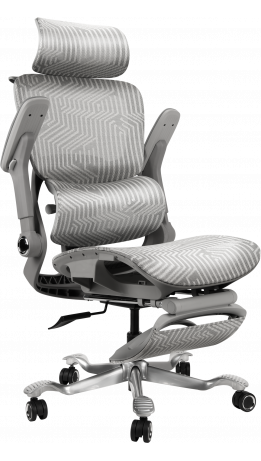
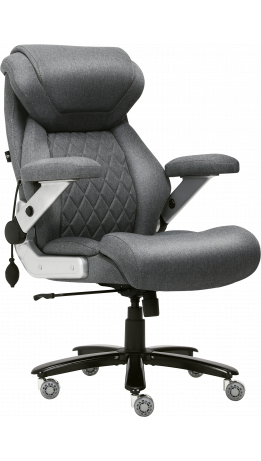
Breathable mesh can provide better air circulation, which can be especially useful during long periods of sitting. A PU leather office chair can offer a smooth surface and easy maintenance, while fabric upholstery can provide a softer and more comfortable feel.
GT Racer's range includes chairs with mesh, PU leather, leather, and wear-resistant fabric upholstery, allowing you to compare different materials and choose the one that suits your preferences.
The upholstery should feel comfortable, be practical for everyday use, and maintain its appearance over time.
Chair Dimensions
The chair should match your body measurements.
When testing a GT Racer office chair or gaming chair, pay attention to the height of the backrest, seat width and depth, seat height adjustment range, and overall dimensions.
GT Racer also offers Big Size chairs for users who need more space and a higher weight capacity. Depending on the model, the available specifications can include different weight capacities and maximum recommended user heights.
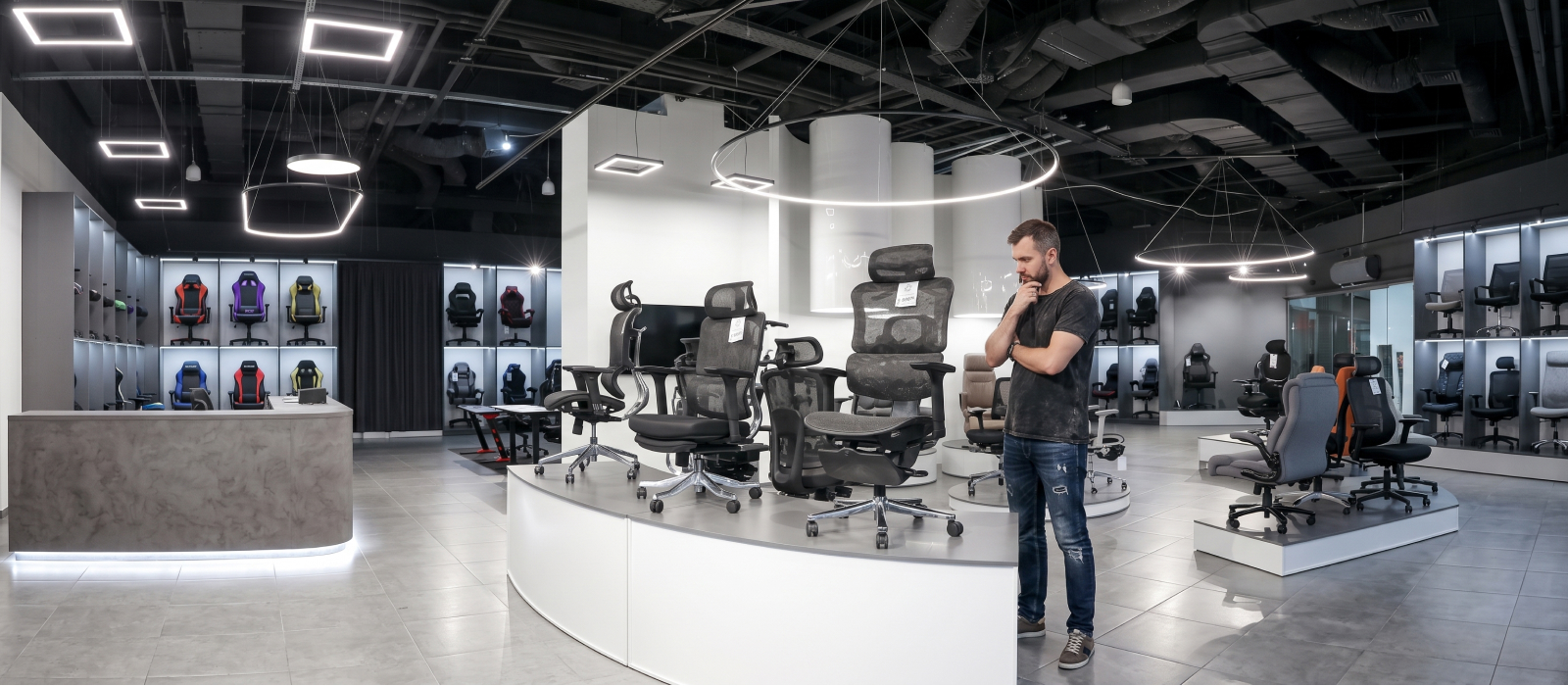
The right dimensions help ensure that the headrest, backrest, lumbar support, and seat are positioned correctly for your body.
How Do You Know You've Found the Right Computer Chair?
Even if you like a computer chair from the first minute, do not rush to make your final decision. Spend several minutes sitting in it, test all the adjustment options again, and compare your preferred model with several alternatives.
This is the easiest way to notice the differences between chairs and make a more informed choice.
Comfort is not always immediately obvious, so the best guide is how your body feels after calm and attentive testing.
Before making your final decision:
- test several chair models;
- adjust all available settings;
- sit in each chair for 5–10 minutes;
- compare how each model feels.
This simple approach can help you choose a chair that remains comfortable not only during the first few minutes after purchase but also during everyday use.
At the GT Racer showroom, you can take your time testing different office chairs and gaming chairs, compare models, evaluate upholstery and adjustment mechanisms, and get professional advice from specialists.
The goal is not simply to find a chair that looks good — it is to find a computer chair that fits your body, your workspace, and the way you work or play.
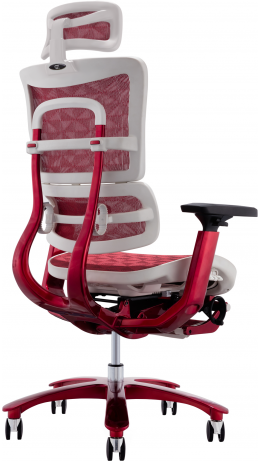
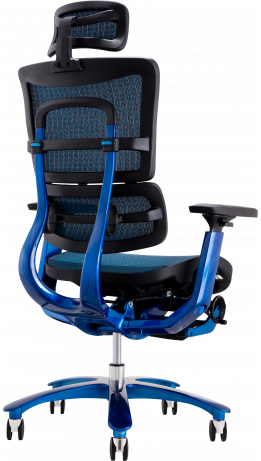
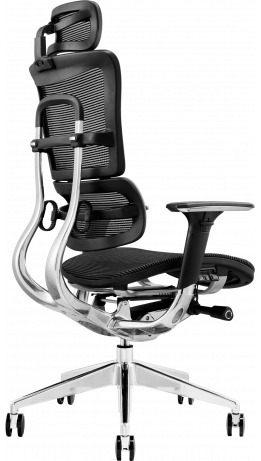
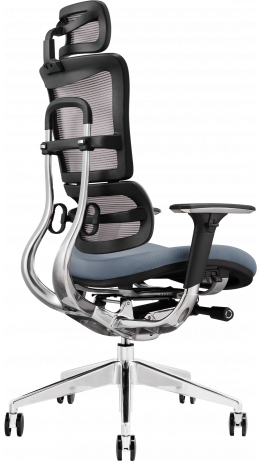
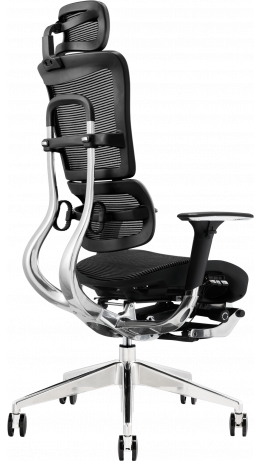
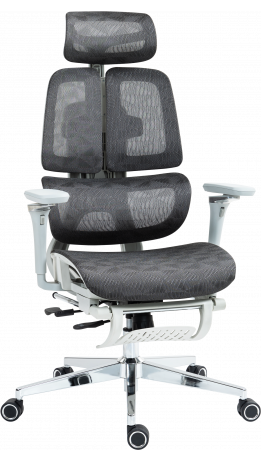
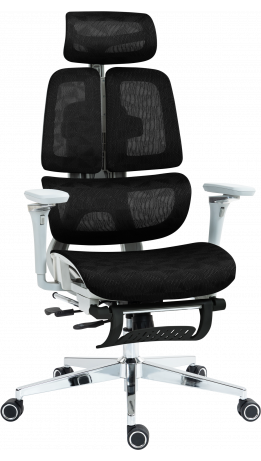
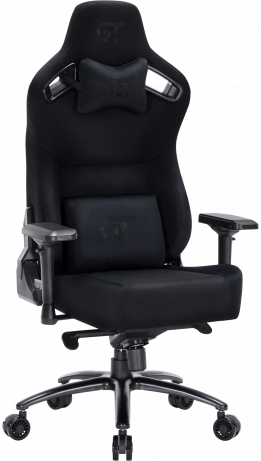
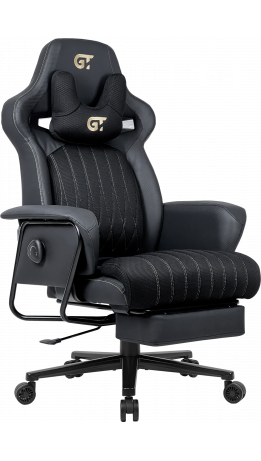
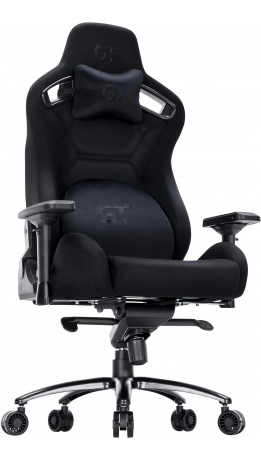
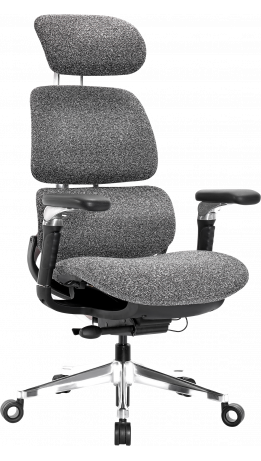
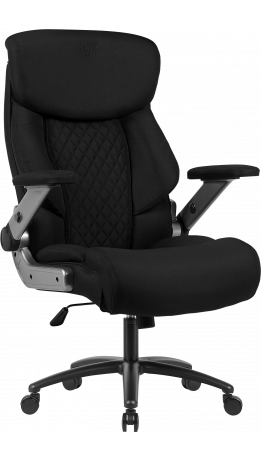
-261x461.png "Office chair GT Racer B-6314 Fabric Black/Black")
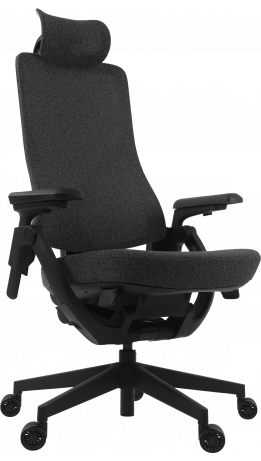
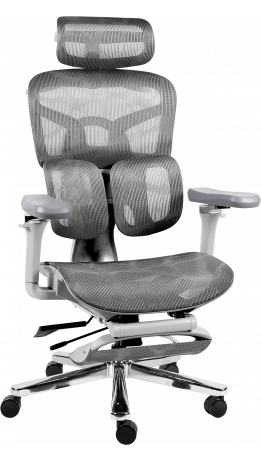
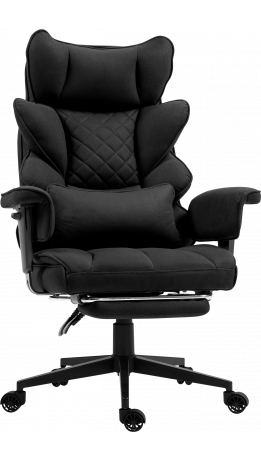
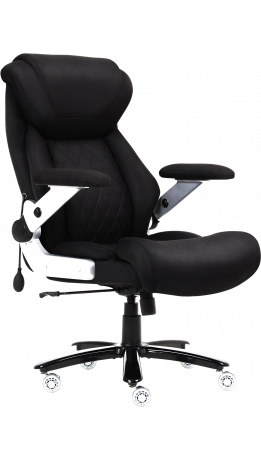
-4-261x461.png "Office chair GT Racer X-801 Black (W-21, B-41)")
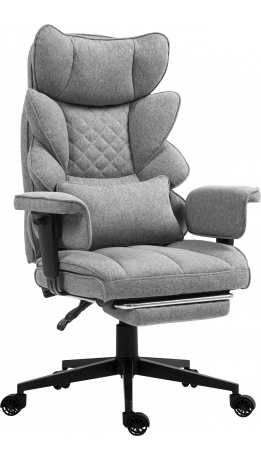
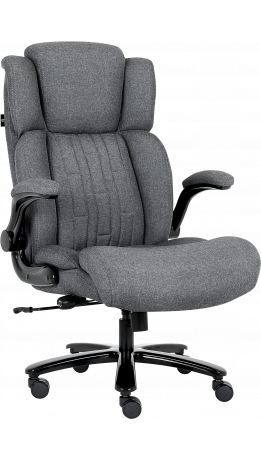
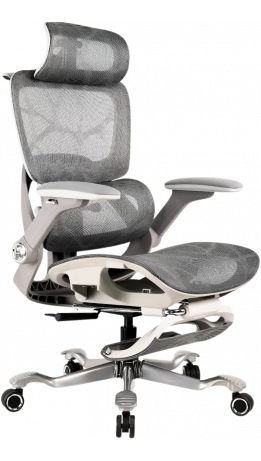
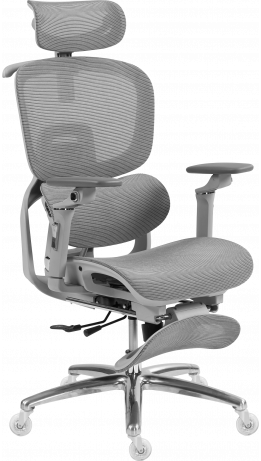
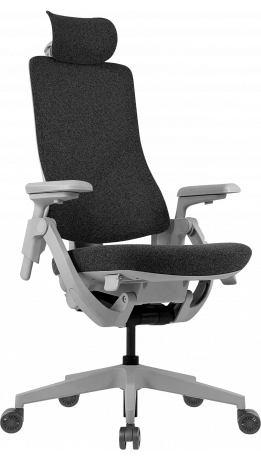
/X-801-Light-Gray-(W17-1)-1-261x461.png "Office chair GT Racer X-801 Light Gray (W17-1)")