Ergonomic Workspace: How to Properly Set Up Your Desk and Chair
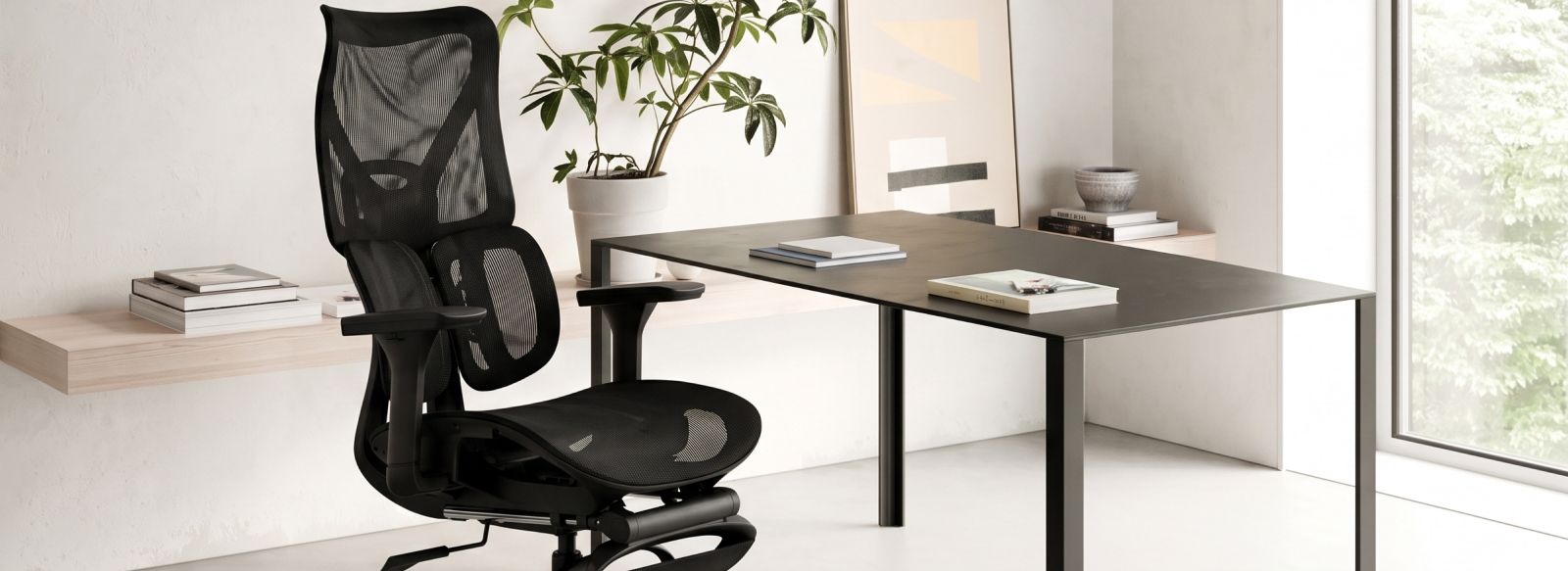
A comfortable workspace is not only about choosing high-quality furniture. The key is to combine the right office chair and computer desk, organize the space around you, and position your equipment so that you can maintain a natural and comfortable posture throughout the working day.
So, how do you create an ergonomic workspace for working at a computer? What should you consider when choosing an ergonomic office chair and computer desk? We cover the key points in this article.
How to Properly Adjust Your Office Chair
Creating an ergonomic workspace starts with choosing the right office chair — but proper adjustment is just as important.
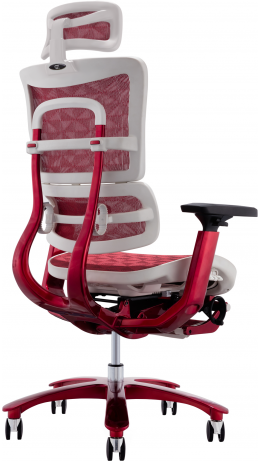
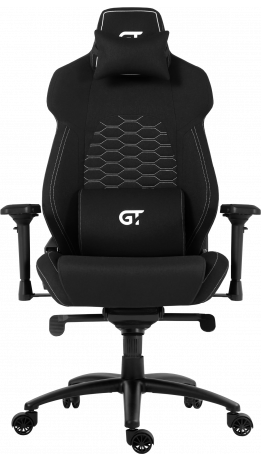
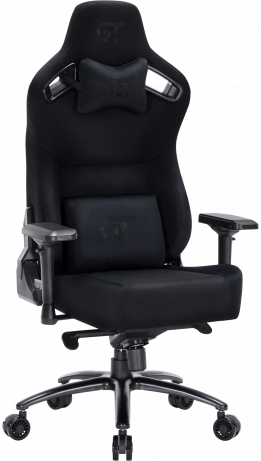
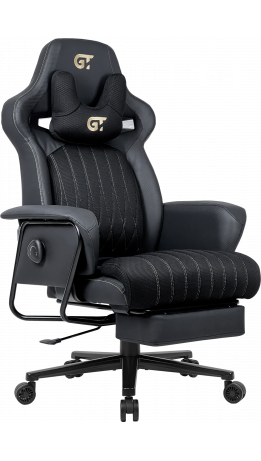
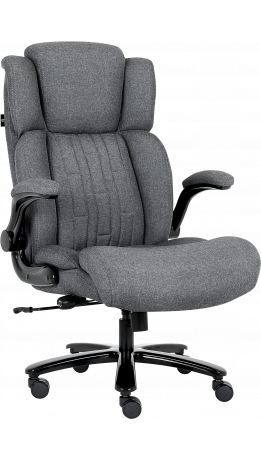
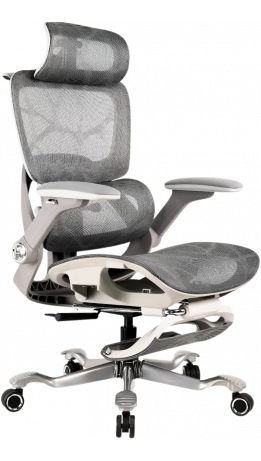
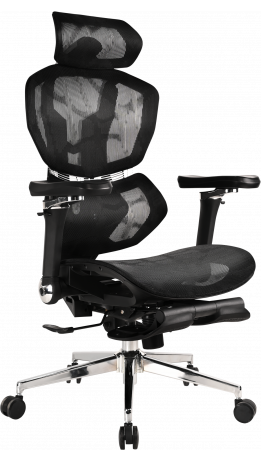
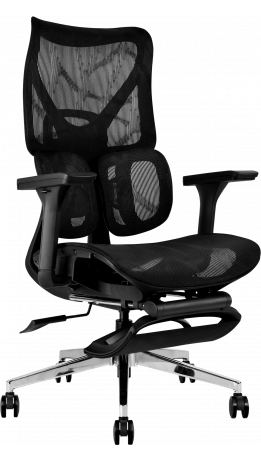
Even an ergonomic chair with a wide range of features will not provide a comfortable sitting position if the seat, backrest, and armrests are not adjusted to your height and body shape. GT Racer chairs offer multiple adjustment options that allow you to customize the seating position to your individual needs.
When adjusting your chair, check the following elements:
- Seat Height. The seat height can be adjusted using the gas lift. Once adjusted correctly, your feet should rest flat on the floor while your legs remain in a comfortable position without excessive pressure under the thighs. The correct seat height also helps you maintain a comfortable position relative to the desk.
- Backrest Recline. Depending on the model, the backrest can recline from approximately 90° up to 180°. For working at a computer, a more upright position is generally more practical. When taking a break or relaxing, you can increase the recline angle for a more comfortable position.
- Armrests. Armrests provide additional support for your arms and can help keep your shoulders relaxed. GT Racer chairs may feature armrests with different adjustment levels, from 1D to 6D. Adjust them so that your arms have comfortable support while your shoulders remain relaxed.
- Headrest. The headrest should be positioned according to your height and sitting position. It should comfortably support your head and neck without forcing you to tilt your head forward.
- Back and Lumbar Support. Depending on the model, an ergonomic office chair may feature built-in lumbar support or an additional lumbar cushion. The support should be positioned comfortably against the lower back without creating excessive pressure.
- Reclining and Tilt Mechanism. GT Racer chairs can feature different mechanisms, including Tilt, Multiblock, Synchro, and Anyfix. These mechanisms allow you to change the backrest position and, depending on the model, lock it at one or several angles.
After adjusting the chair, evaluate your sitting position as a whole. If your feet do not reach the floor, your shoulders feel tense, your elbows are too high, or your lower back does not receive enough support, adjust the chair again.
When choosing a computer chair, it is also important to consider your height, body shape, weight, and the expected daily load. For children and teenagers, it is better to choose models specifically designed for their age and body proportions. You can explore the GT Racer range of children's chairs. For larger users, Big Size chairs offer a more spacious seat and higher weight capacity. The goal is not simply to choose a chair with many features, but to find a model that fits the specific user.
Desk Height: How to Tell if It Is Right for You
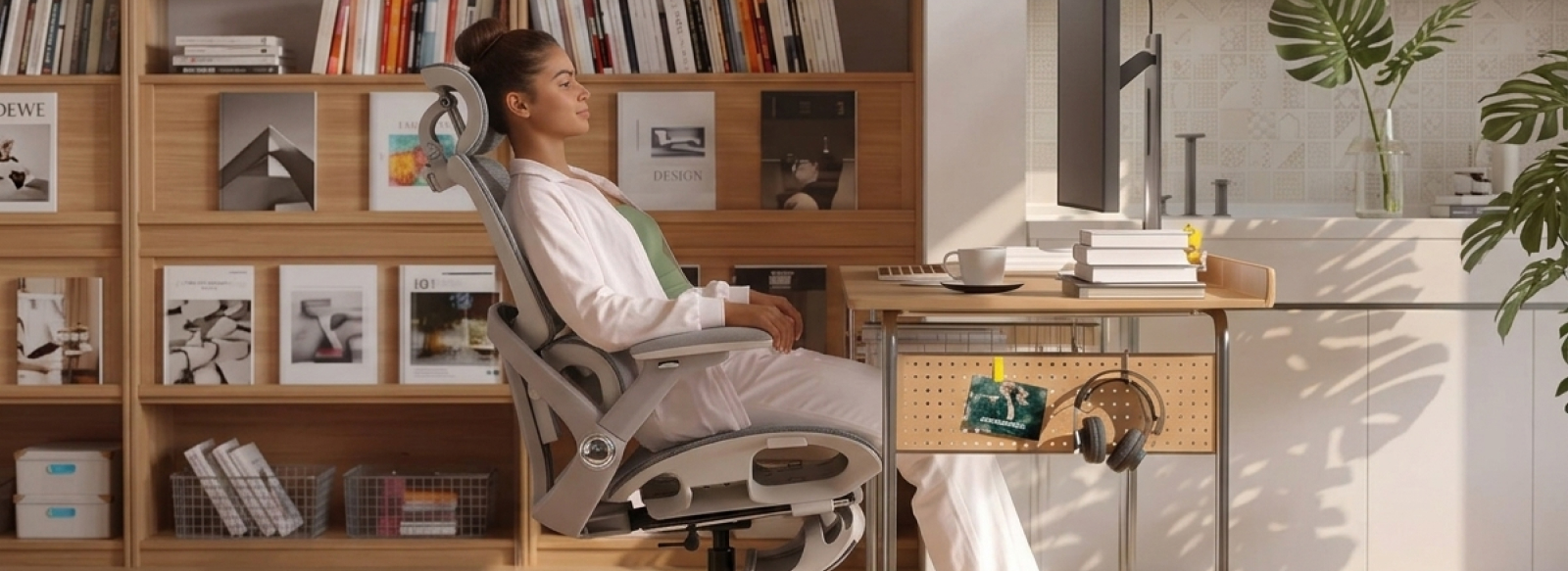
Your computer desk and office chair should work together as a system. If the desk is too high or too low, you may end up raising your shoulders, bending your arms too much, or leaning forward while using the keyboard. The correct desk height allows your elbows and forearms to remain in a comfortable position without unnecessary tension.
When setting up your workspace, check that:
- your elbows are positioned comfortably;
- your shoulders remain relaxed;
- your wrists are not under unnecessary tension;
- your legs have enough room underneath the desk.
If a standard desk height does not suit you, consider a height adjustable computer desk. Adjustable desks allow you to adapt the work surface to your height. Sit-stand desks can also help you change your working position throughout the day. Some GT Racer desks feature electric height adjustment and a control panel, allowing you to change the desk height easily without interrupting your workflow.
Legroom Under the Desk
There should be enough free space under the desk for your legs to move naturally. Avoid using the area under the desk to store boxes, equipment, or other items that restrict leg movement. If your feet do not comfortably reach the floor, a footrest can provide additional support. Some GT Racer office and gaming chairs also feature a retractable footrest. It allows you to stretch your legs during breaks or while relaxing without taking up additional space around the desk.
How to Organize a Workspace for All-Day Computer Use
Once your desk and chair are properly adjusted, it is time to organize your computer equipment and other everyday essentials. Place the monitor directly in front of you so that you do not have to constantly turn your head to one side. The screen should be positioned at a comfortable distance, allowing you to work without constantly leaning forward. Place the keyboard and mouse close enough that you can use them without reaching forward. Your shoulders should remain relaxed and your forearms should be comfortably supported while working.
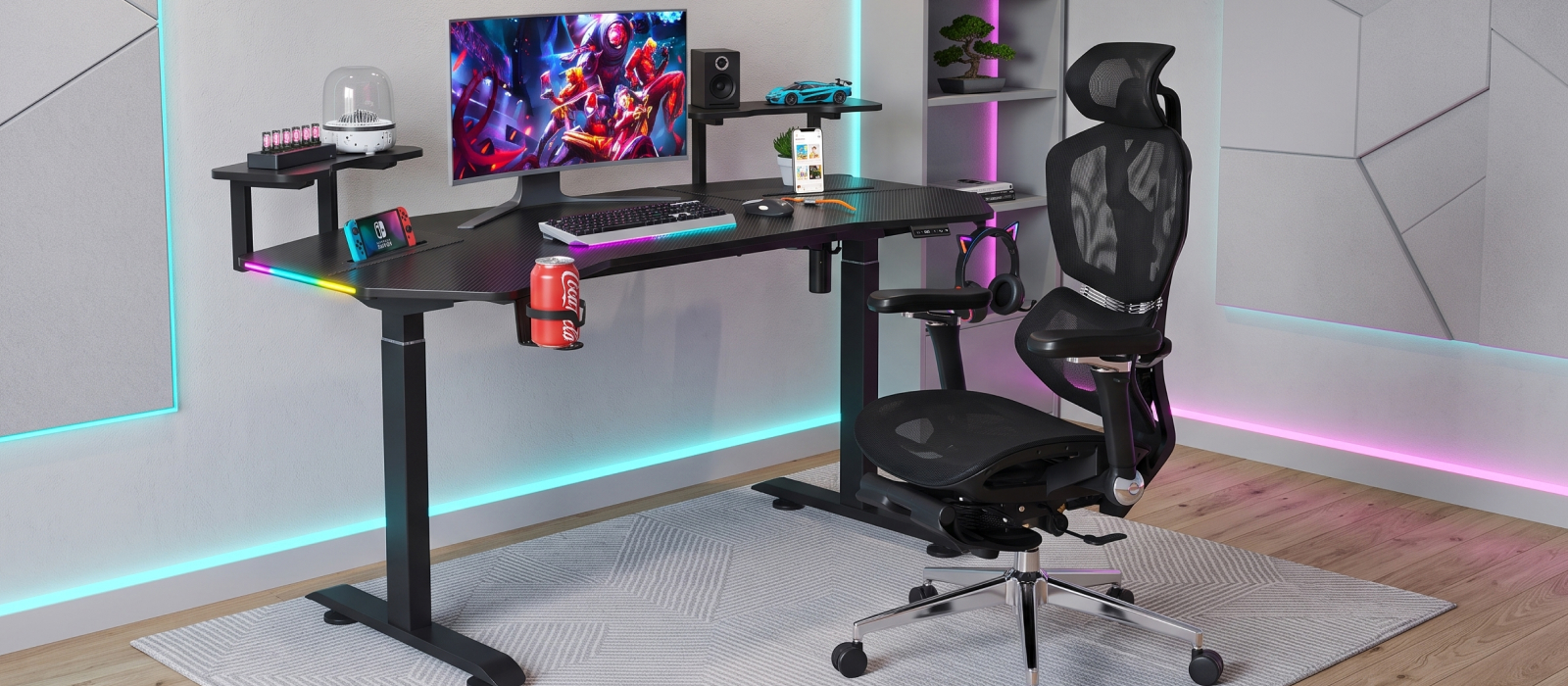
A well-organized desk makes it easier to use the available workspace efficiently. Cable management helps keep wires off the work surface, while headphone and drink holders can free up additional desk space. Some GT Racer desks include practical accessories and cable-management solutions designed to help you organize your computer workstation according to your everyday needs.
Common Mistakes When Setting Up a Workspace
Even high-quality furniture does not guarantee comfortable work if it is used incorrectly. When setting up a workspace, people often make mistakes that may seem insignificant at first but can cause additional discomfort during prolonged computer use.
Here are some of the most common mistakes that can prevent you from creating truly comfortable working conditions:
- Incorrect chair height. If the seat is adjusted too high or too low, the comfortable position of your legs is affected and your overall sitting position at the desk changes.
- No support for the arms. When your elbows are constantly left without support, your shoulders may remain tense throughout the working day.
- Monitor positioned too low. This can cause you to tilt your head forward more often instead of looking at the screen in a natural position.
- Incorrect keyboard position. If the keyboard is too far away, you have to constantly reach your arms forward.
- Cluttered workspace. Too many items on or under the desk restrict freedom of movement and make it harder to maintain an organized workspace.
- Staying in one position for too long. Even a properly adjusted ergonomic GT Racer chair does not eliminate the need to change your body position regularly and take short breaks.
All these factors directly affect your comfort and well-being, potentially causing fatigue, body discomfort, and reduced productivity. This shows that true ergonomics is not simply about having a high-quality desk or chair, but about adapting your workspace to your individual needs.
How to Choose a Desk and Chair for a Specific User
An ergonomic workspace should suit not only the type of work but also the individual characteristics of the user. It is important to consider height, body shape, how much time you spend working at a computer, the amount of equipment you use, and the available space. The desk and chair should complement each other and allow you to comfortably change your position throughout the day.
When choosing office chairs, pay attention to their dimensions, adjustment options, and suitability for your individual needs. The desk should be selected based on the amount of workspace you require.
Visit the official GT Racer showroom in Kyiv at GORODOK Shopping Mall, 23 Stepana Bandery Avenue, near Pochaina metro station, to test the models in person, check the seating position and adjustment options, and choose furniture for a comfortable workspace.