Why do your neck and shoulders hurt when working at a computer and how can you reduce fatigue
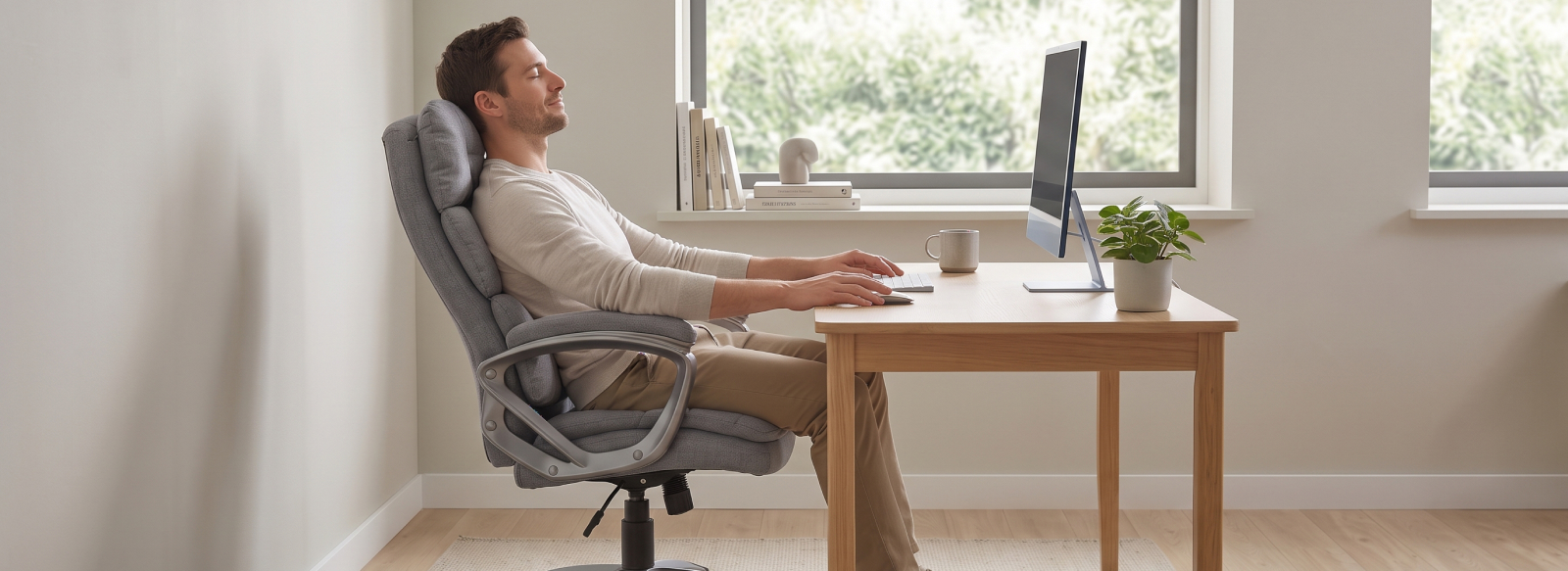
After several hours of working at a computer, even routine tasks can leave you with a stiff neck, tense shoulders, and general fatigue. Over time, it can become harder to concentrate on your work, and you may find yourself wanting to change your sitting position more frequently. The cause often lies in staying in the same position for too long, incorrect monitor placement, or an uncomfortable sitting posture.
To make your workday more comfortable, it is important to organize your workspace properly and choose furniture that suits your individual needs. A comfortable chair, a desk at the right height, and properly positioned equipment can help you maintain a comfortable posture. Regular breaks and changes in position can also help reduce fatigue during prolonged computer work.
Why do your neck and shoulders become tense when working at a computer
Working at a computer for extended periods places static loads on the body, which can gradually fatigue the muscles in your neck and shoulders. If your workstation is not properly set up, your body may unconsciously adopt an uncomfortable position: your head moves forward, your shoulders rise, and your arms remain tense. The most common causes of this discomfort include:
- Incorrect monitor positioning. A screen that is too low or too high forces you to constantly tilt your head down or look upward.
- Incorrect desk height. This can cause you to raise your shoulders or bend your arms excessively while using the keyboard.
- Lack of proper support. An uncomfortable backrest and poorly positioned armrests make it harder to maintain a comfortable sitting posture.
- Sitting in the same position for too long. Without regular breaks, your muscles remain tense, increasing the feeling of fatigue.
That is why every detail matters when setting up a workstation, from monitor placement to choosing an office chair that suits your body type and allows you to adjust your sitting position.
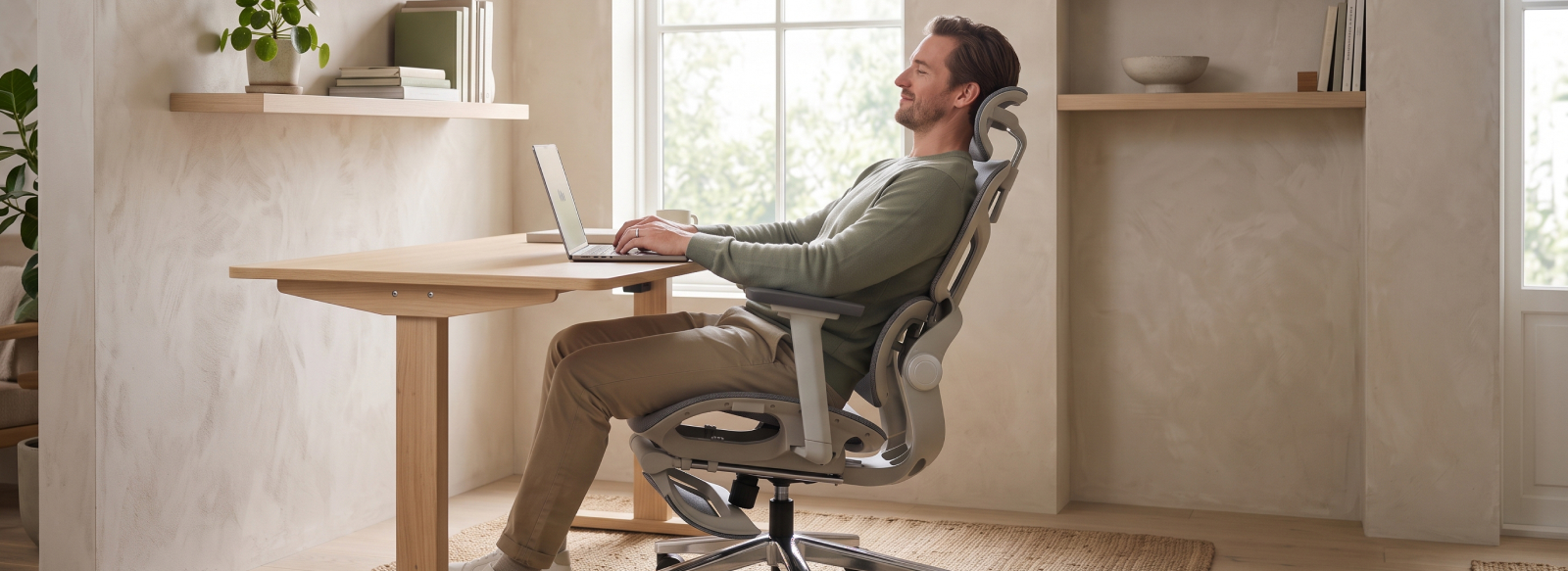
How to set up your computer workstation properly
Comfortable computer work starts with the correct positioning of your equipment and furniture. Ideally, your monitor should be positioned approximately at eye level so that you do not have to constantly tilt your head. The distance to the screen should allow you to read comfortably without leaning your upper body forward. At the same time, your back should be supported by the chair's backrest, your feet should rest flat on the floor, and your knees should remain bent at a natural angle.
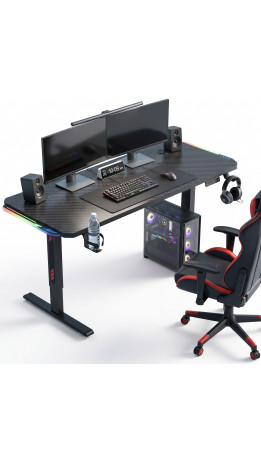
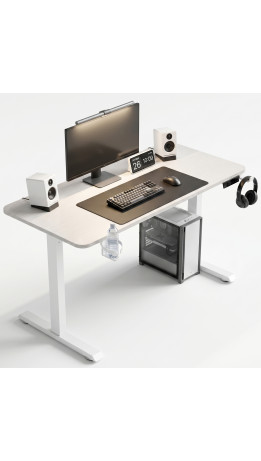
It is equally important to position your keyboard and mouse correctly. They should be within easy reach so that your arms can rest comfortably on the desk while your shoulders remain relaxed. A sufficiently spacious desktop allows you to arrange all the necessary equipment without overcrowding the workspace. Additional features can make your workstation more convenient: cable management helps keep wires organized, while headphone hooks and cup holders free up valuable desk space.
All elements of your workstation should suit your height and body proportions. That is why it is worth choosing adjustable furniture that allows you to customize the seat height, backrest position, and, when necessary, desk height. This helps create a comfortable working environment tailored to your individual needs.
Computer chairs: how to choose a model for long hours of work
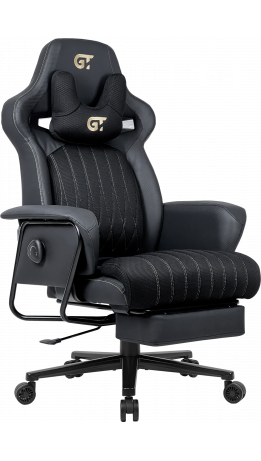
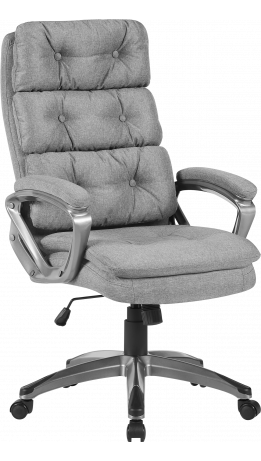
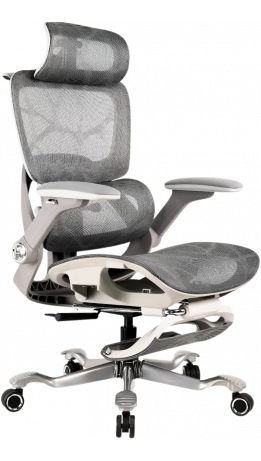
A computer chair should do more than complement your workspace. It should allow you to adjust your sitting position to suit your body and individual needs. When choosing a chair, look beyond its design and focus primarily on its adjustment features. The more settings you can customize to match your height, body type, and preferred sitting position, the easier it is to maintain comfort throughout the workday. When choosing a chair, pay attention to the following features:
- Seat height and gas lift. The adjustment mechanism allows you to set the chair height to suit your desk and your height.
- Backrest recline. Depending on the model, the backrest may recline at angles ranging from 90° to 180°, allowing you to change your position while working or relaxing.
- Armrests. Adjustment options ranging from 1D to 6D help you position your arms more precisely and reduce unnecessary shoulder tension.
- Headrest and back support. An adjustable headrest, additional neck and back cushions, or integrated support features allow you to customize the chair to your sitting position.
- Reclining mechanism. Tilt, Multiblock, Synchro, and Anyfix mechanisms differ in how they work and in their locking options, so it is worth considering how you intend to use the chair.
If you spend particularly long hours at a computer, for example, as a streamer, programmer, designer, video editor, or content creator, consider gaming chairs with an extended range of features. You can choose a model that offers not only a wide range of adjustments but also additional comfort features such as ventilation, heating, a footrest, or even a massage function in the lumbar cushion. These options can be particularly appealing when a workday at the computer stretches to eight to ten hours without a break, turning into a real marathon.

Computer desks: why height and size matter
A computer desk is more than just a surface for your monitor and keyboard. Its height and dimensions directly affect how comfortably you can organize your workspace. When choosing computer desks, consider your height, the available space, and how you use your workstation.
Height-adjustable models are particularly practical. With the push of a button, you can change the desktop height and alternate between sitting and standing without rearranging your entire setup. Additional conveniences include cable management systems that help keep wires organized and different desktop configurations.
For those who want to customize their workstation as much as possible, an ergonomic computer desk from GT Racer can be a practical solution. Convertible desk models offer even greater flexibility, allowing you to change how you use your workspace depending on your current tasks.
Daily habits that help reduce fatigue
Even a well-organized workstation does not mean you should spend the entire day sitting still. During prolonged computer work, it is important to give your body opportunities to change position, take short breaks, and periodically look away from the screen. These simple habits can help prevent fatigue from building up throughout the workday.
To stay comfortable while working, try to:
- Get up from your chair regularly and take short breaks.
- Change your body position periodically instead of remaining in the same posture for too long.
- Pay attention to your shoulders and relax them whenever you notice unnecessary tension.
- Alternate between sitting and standing whenever possible.
Ultimately, all-day comfort does not depend on maintaining one supposedly “perfect” posture for hours. It depends on being able to move freely, change positions, and take breaks.
A comfortable workspace: your chair and desk as one system
A comfortable workstation combines a chair, a desk, and properly arranged computer equipment. All these elements should work together to support a comfortable sitting position without unnecessary tension in your neck and shoulders. Adjustable furniture makes it easier to adapt your workspace to different tasks throughout the day.
When choosing a chair and desk, consider your height, body proportions, and working habits. The ability to customize your furniture helps create a more comfortable workspace. GT Racer, a Ukrainian furniture brand, offers ready-made solutions for setting up workstations, with options to choose a configuration that suits different user needs.
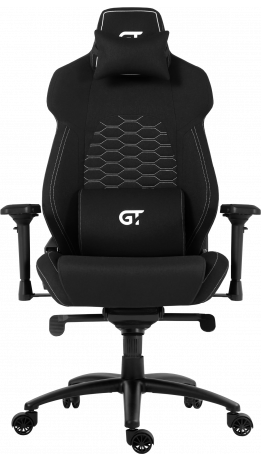
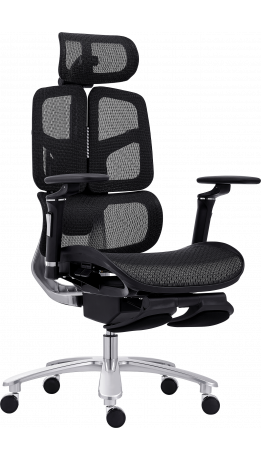
-261x461.png "Office chair GT Racer B-601 Gray/Gray")