10 Mistakes When Choosing a Computer Chair
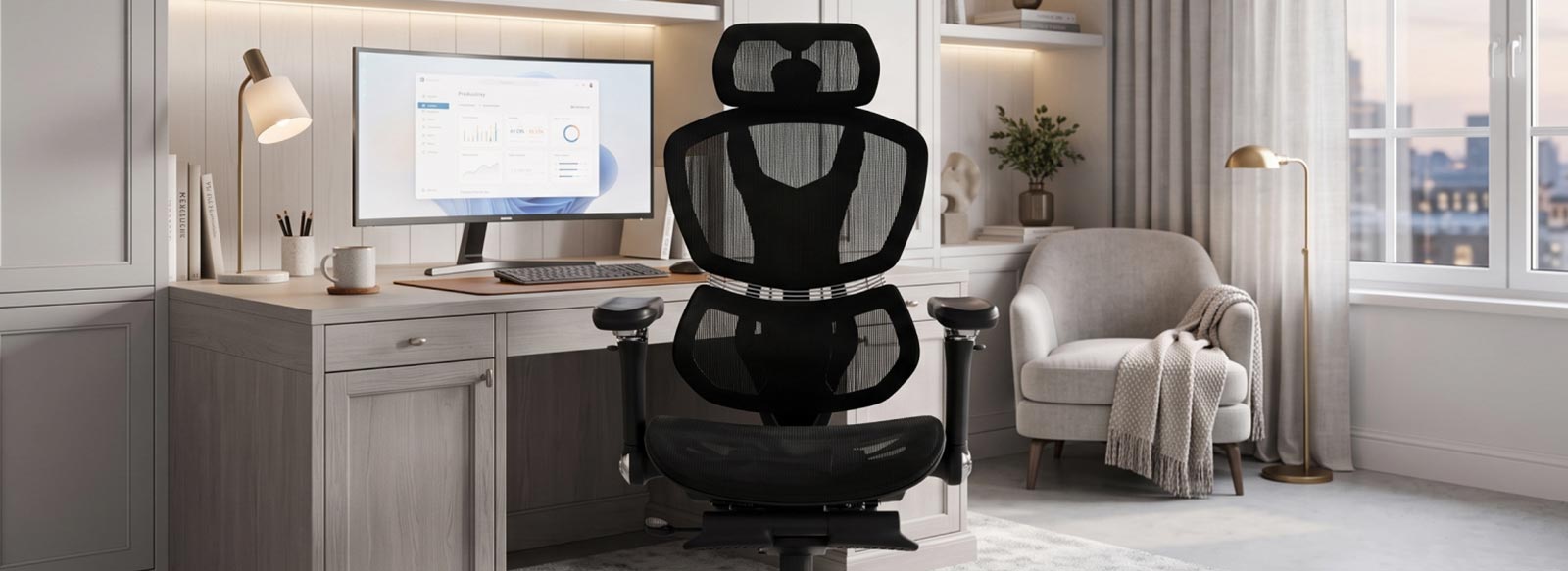
Spending long hours at a computer requires not only powerful equipment but also a properly organized workspace. That is why a GT Racer computer chair should be more than just a stylish element of your interior — it should be a solution that provides comfort during hours of daily use. Even an expensive model can turn out to be uncomfortable if it is not properly selected according to size, construction, or functionality. A poor choice can lead to discomfort, fatigue, and reduced concentration during work or gaming. In this article, we will look at the main mistakes to avoid when choosing a chair that meets your needs.
Mistake #1: Buying a Computer Chair Based Only on Its Design
An attractive appearance is an important factor when choosing furniture for your workspace, but it should not be the main criterion. Stylish upholstery, an unusual design, or a bright color do not guarantee comfort during everyday use. First of all, you should pay attention to the construction, adjustment options, and body support.
An ergonomic office chair should adapt to the user: provide proper back support, a comfortable seat height, and the necessary support during long periods of work. Only after evaluating these parameters should you choose a color and style that will complement your workspace.
Mistake #2: Not Considering Your Height and Weight When Choosing a Computer Chair
One of the most common mistakes is choosing a chair without considering your physical parameters. Even the most comfortable model will not provide proper support if its dimensions do not correspond to the user's height and weight. Before you buy an office chair, it is worth paying attention to several important characteristics:
- Weight capacity — indicates how much weight the chair can support while maintaining comfort and reliability.
- Seat width — affects freedom of movement and proper body positioning.
- Backrest height — is important for providing full support for the back and shoulders.
- Height adjustment — allows you to adapt the chair to the user's height and the height of the desk.
Properly selected dimensions help avoid unnecessary strain during long periods of work and make your workspace truly comfortable.
Mistake #3: Choosing a Chair for Working at a Computer Without Considering Ergonomics
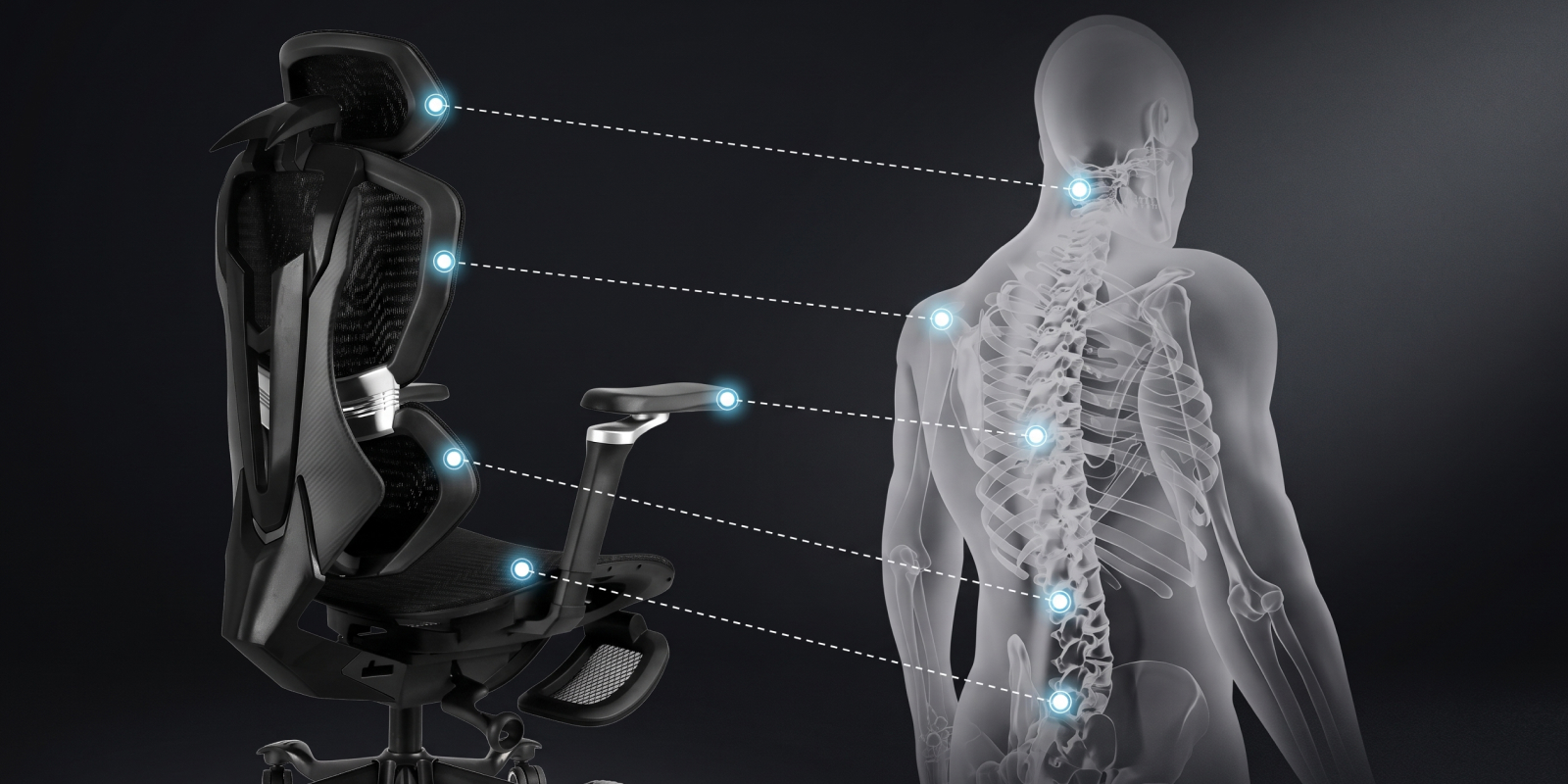
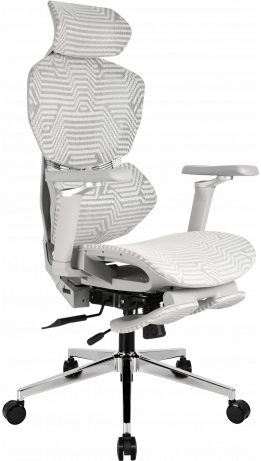
When working for 8–10 hours a day, ergonomics determines how comfortable you will feel at the end of the day. A good chair should not force you to adapt to it — instead, it should adapt to the user through a wide range of adjustment options. That is why, before buying, it is worth evaluating the following features:
- Lumbar support — built-in or provided in the form of an adjustable cushion, it helps support the natural curve of the spine. Therefore, an office chair with lumbar support can be a good solution for long hours of work.
- Headrest — height and angle adjustment helps reduce strain on the neck.
- Armrests — GT Racer models can feature armrests from 1D to 6D, allowing adjustment of height, depth, width, or rotation angle.
- Reclining mechanism — Tilt, Anyfix, Multiblock, or Synchro mechanisms provide different levels of freedom of movement and allow you to change your sitting position throughout the day.
- Individual adjustments — seat height adjustment with a gas lift and backrest recline (up to 180° in some models) help adapt the chair to your height, weight, and intended use.
The more adjustment options a chair has, the easier it is to create a proper sitting position that provides comfort during everyday work.
Mistake #4: Choosing an Office Chair Without Considering How Long You Work Each Day
The longer you spend at a computer, the higher your requirements for a chair should be. For 1–2 hours of use per day, a basic model may be sufficient, while for 6–8 hours, it is worth choosing a chair with extended adjustment options and ergonomic support. If your working day smoothly turns into evening gaming or watching movies, comfort and functionality become even more important, as the overall load on your body increases significantly.
Mistake #5: Ordering Computer Chairs Without Paying Attention to the Upholstery Material
The upholstery material affects not only the appearance of the chair but also its comfort during everyday use. There is no universal solution, so you should consider the conditions in which the chair will be used and your personal preferences:
- soft, durable fabric for comfort and long-term use;
- a PU leather computer chair for practical everyday maintenance;
- breathable mesh for maximum ventilation;
- a premium leather chair for a sophisticated appearance and durability.
The right upholstery material will make everyday use more comfortable and help maintain the chair's attractive appearance for many years.
Mistake #6: Buying an Office Chair Without Checking Its Adjustment Options
Many users pay attention only to the number of features but do not check how convenient they are to use. When choosing GT Racer models, it is important to evaluate the smoothness of adjustments, how easily the settings can be accessed, and how quickly the chair can be adapted to your individual requirements. After all, even a large number of features only makes sense when they are convenient to use every day.
Mistake #7: Choosing Computer Chairs Without Paying Attention to the Base and Casters
When choosing a chair, you should not underestimate the quality of its base, as it affects the stability and durability of the construction. It is important to consider the material of the five-star base and the type of casters: different solutions may be better suited to different types of flooring. An office chair with wheels should provide smooth movement and comfortable everyday use.
Mistake #8: Looking for Cheap Office Chairs Without Considering Quality
The lowest price does not always mean the best purchase. When choosing a chair, you should consider not only the price but also the durability of the construction, comfort during everyday use, and warranty. A quality chair can maintain its properties for longer and provide consistent support during work.
Mistake #9: Not Considering How You Will Use Your Computer Chair
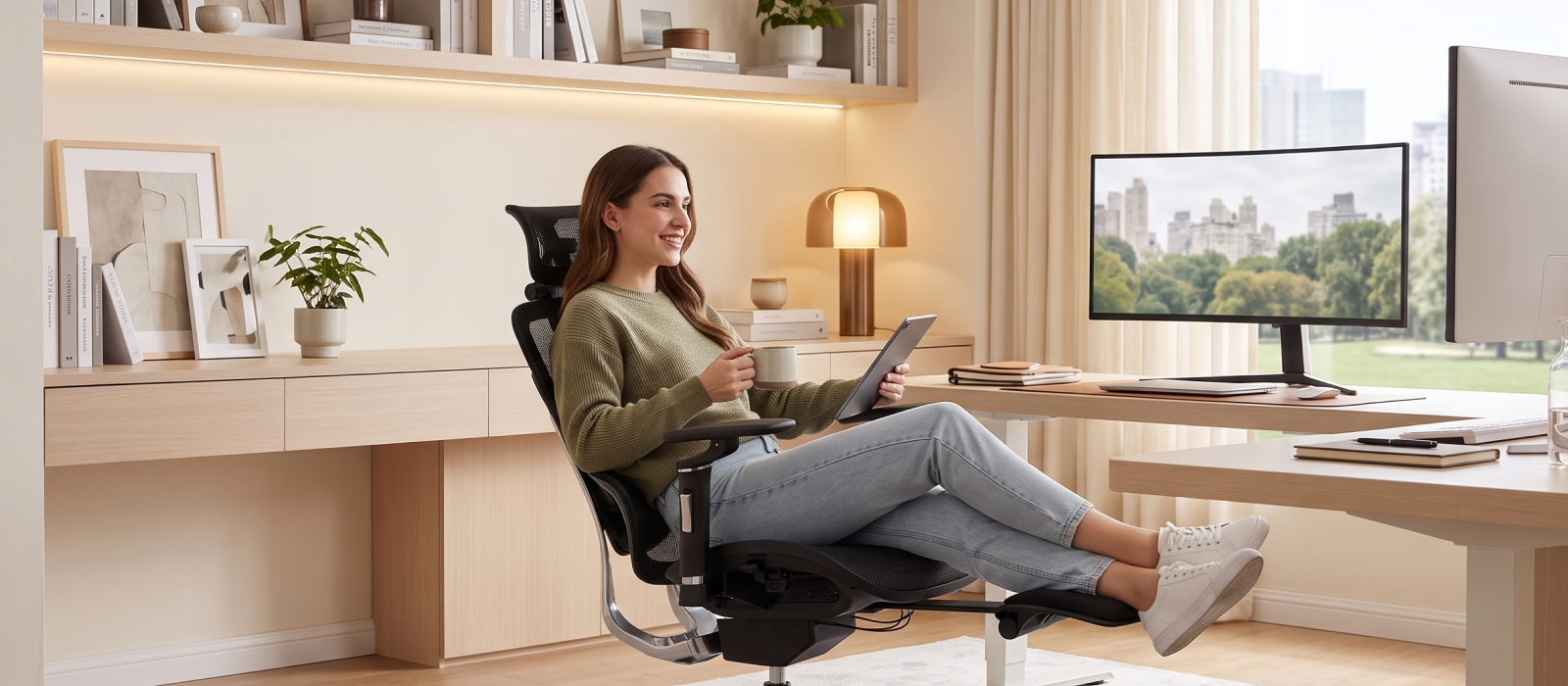
A chair should match not only your physical parameters but also the conditions in which it will be used. For a home office, comfort and versatility are important; for a professional office, an executive appearance and additional features may be more relevant; while for a gaming room, the ability to spend long periods in the chair comfortably becomes a priority. For example, an office chair for employees may have a simpler configuration, while for intensive work or leisure, it is worth considering models with extended adjustment options.
Mistake #10: Buying an Office Chair Without Checking the Manufacturer
When choosing a chair, buyers often pay attention only to its design and specifications but do not consider who is behind its creation. A reliable manufacturer means not only quality products but also confidence in further service and support. That is why choosing to buy a GT Racer office chair means choosing a trusted brand with its own production and a comprehensive approach.
Signs of a reliable manufacturer:
- warranty for products and responsibility for quality;
- after-sales service and customer support;
- a wide range of models for different needs;
- the use of quality components and well-designed constructions.
GT Racer combines modern technologies, functional solutions, and quality control at every stage of chair production. As a result, users receive not simply furniture for work or leisure, but a reliable solution for everyday use.
GT Racer Computer Chair from the Manufacturer: Comfort Designed for Everyday Tasks
A properly selected chair is not simply part of a workspace but a tool for everyday comfort and productivity. It should match your working style, habits, and level of daily use, because a quality chair is not something you buy for just one season.
The GT Racer collection includes chairs for different needs: from long hours of computer work to studying and relaxation. All you need to do is determine which features are most important to you and choose a model that will become a comfortable part of your workspace.
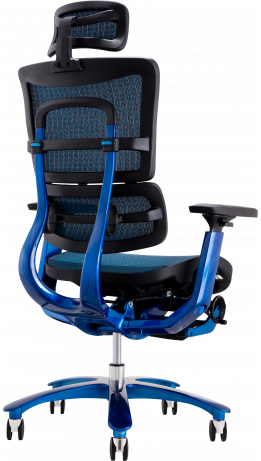
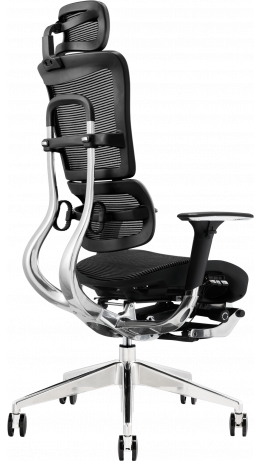
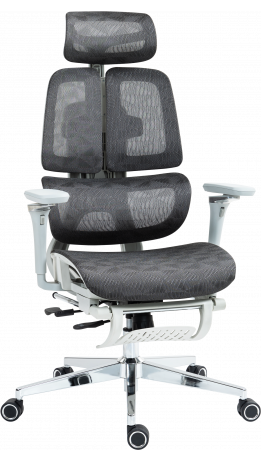
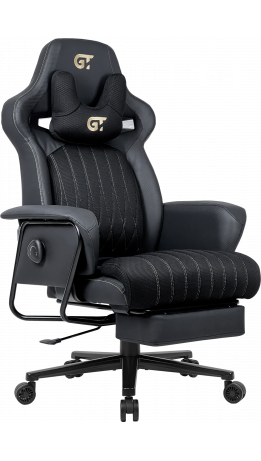
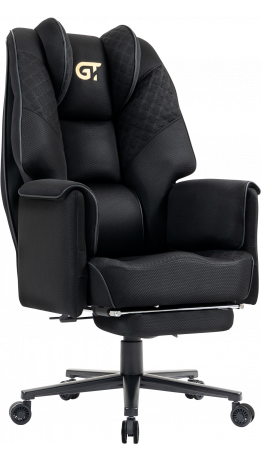
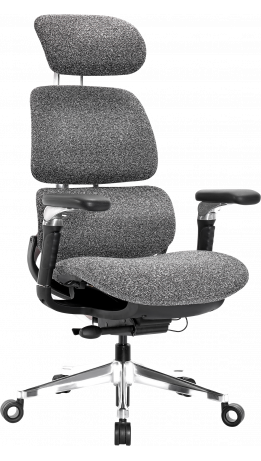
-261x461.png "Gaming chair GT Racer X-8825 Fabric Black XL")
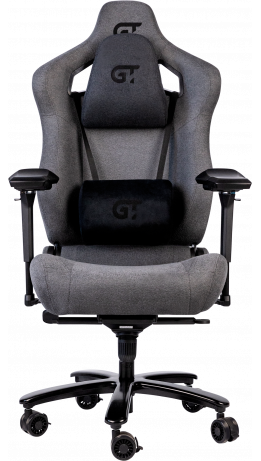
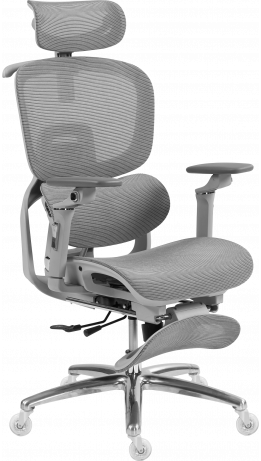
-261x461.png "Gaming chair GT Racer X-7002 Black/Black/Green (Massage)")